


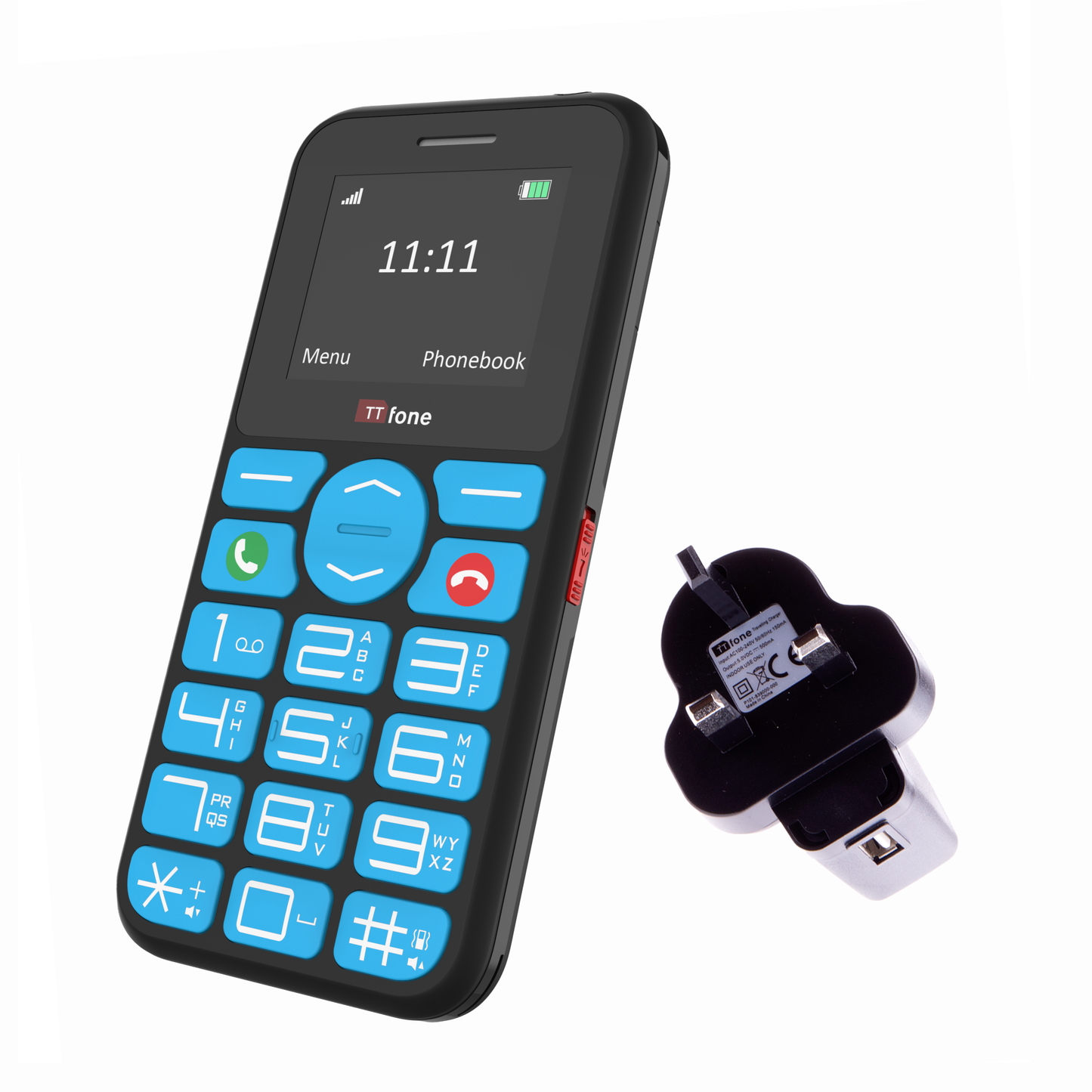
TT190 Tech Talk: What’s Inside
💡 Quick Overview
- Style? Classic candy bar shape – easy to hold, easy to love
- Languages? English, French, Spanish, German, Italian, and Arabic
- Lanyard Compatible? Not this time
- Touchscreen? No, keypad navigating menu
- Screen Size & Display type? 1.77" Colour TFT
- Display Screen Distinction 240*320 pixels
- Predictive text? Nope – old-school typing only
- Keypad Backlight? Yes
- Talking Buttons? Yes, human voice key for number pad
- Speed dial? Yes, can set from no. 2 - 9
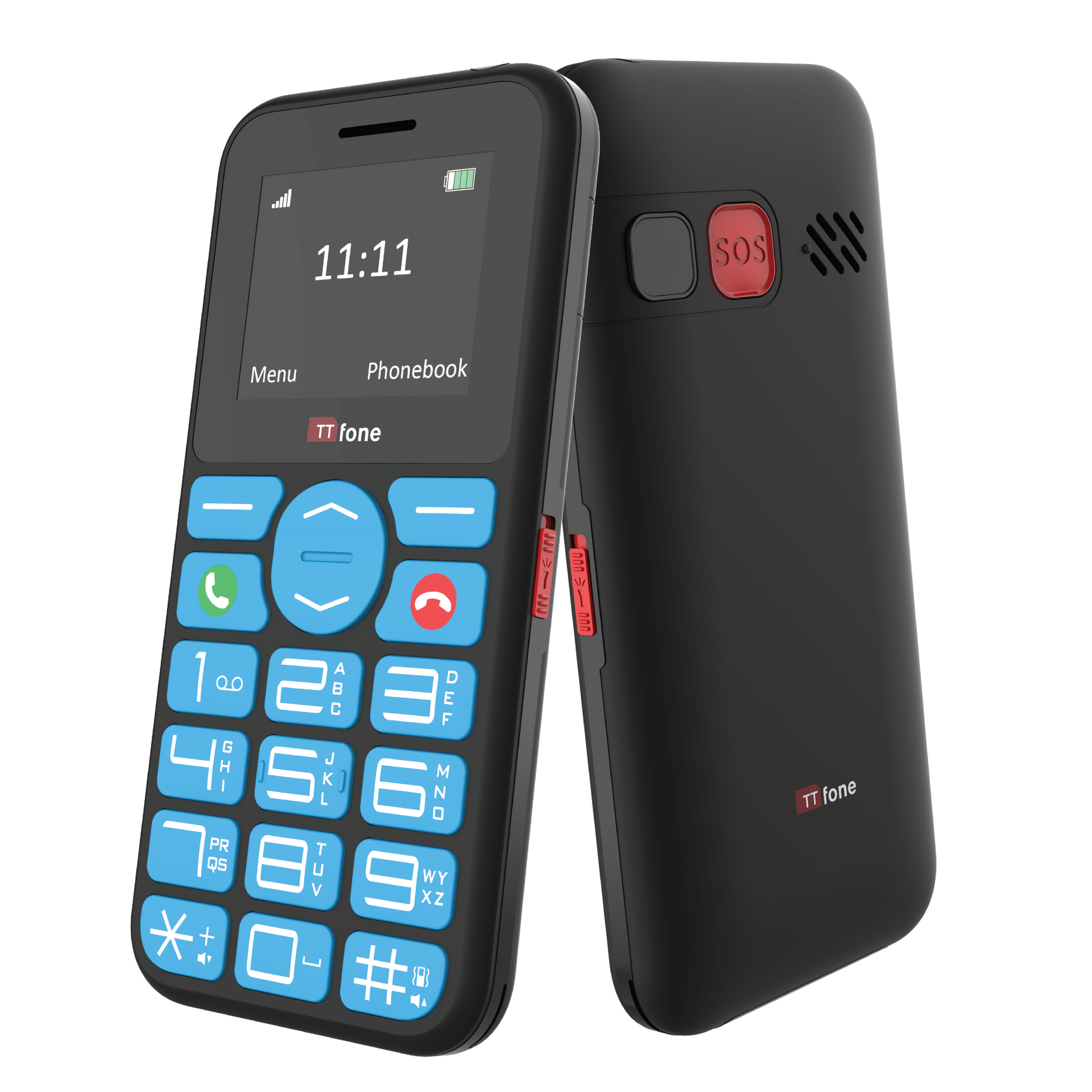
- Emergency Alert Button? Yes, push (SOS back button) to alert, send SOS message, and call.
- Pre-set for SOS Button? Yes, up to 5 emergency contact number
- Vibration, Torch, Alarm clock, calculator, & FM Radio? All included
📦 Storage & additional specs
- Memory: 32MB internal
- Expandable: Up to 16GB with MicroSD memory card
- Contacts: Save up to 200
- (SMS) Text messages: Holds about 50
- Camera & Media? Not this time
📐 Dimensions & Weight
- Height: 11.51cm
- Width: 5.52cm
-
Depth: 1.4cm
- Weight (w/ Battery): 72g
🔋 Power & Charging
- Battery: Lithium-Ion (BL-5C) Battery 600 mAh – lasts up to 5 days standby
- Talk time: Around 5–6 hours
- Charger: USB C cable + a Dock charging station option (sold separately)
-
SAR Value: 1.866 w/kg
📶 Call & Network Stuff
- Bandwidth: GSM 850/900/1800/1900 UK & EU ready
- Dual SIM? No, Single SIM mobile
- SIM card size: Standard
- Wi-Fi? None
- Bluetooth? Yes, 2.1 version
- Number of Ringtones? 5 ringtones
- Ring Volume 110 dB
- Call Volume 80 dB
-
Speakerphone Volume 91 dB
🌐 Smart Features – Not on this mobile, it runs basic calls and messages only.
📌 Want to get the most out of your TT190?
Check out our Youtube page for quick video tutorials.
❓Wait, Quick Questions…
❓ Wait, Quick Questions…
Find fast answers to common questions about our services and products:
Q1. How to contact TTfone?
You can chat with us directly on our website by clicking the bottom-right chat bubble, or click here: Chat with us.
Email: Reach us anytime at [email protected].
Phone: Call us on +44 (0) 330 333 0819 (charged at UK standard rate), Monday to Friday, 10:00 AM – 4:00 PM.
Q2. What are your shipping options?
We offer 2 delivery options for UK customers:
- Standard Delivery: 4 to 7 working days — FREE
- Express Delivery: 1 to 2 working days (additional charge)
Orders placed before 2:00 PM (Monday to Friday, excluding public holidays) are dispatched the same working day.
Orders delivered outside the UK & EU may incur import duties or local taxes payable by the recipient. We will confirm courier availability for your destination before dispatch. If service is unavailable, we reserve the right to cancel the order and issue a full refund.
Q3. How long is the phone warranty?
Brand-New Mobiles:
- 1-Year Warranty: TT170, TT175, TT220, TT240, TT300, TT660, TT750, and TT950.
- 2-Year Warranty (Selected Models): TT150, TT190, TT280, TT290, TT760, TT880, TT890, TT970, and TT990.
14-Day Returns / Refurbished Resale Deals:
- ✔ 30-day return policy
- ✔ 3-month service warranty
*The warranty covers manufacturer faults and excludes physical or liquid damage. Statutory consumer rights remain unaffected.
Q4. How do I register my TTfone warranty?
You can easily register your product online by completing our form here: Register Your TTfone Warranty.
Q5. How long do I have to return a phone for a refund?
We offer a 30-day return policy if you change your mind or find the item unsuitable. Simply contact us so we can raise a return Case ID. Once the item is posted and inspected, your refund will be processed.
*Please note: Prepaid top-up airtime credit is non-refundable.
Q6. The appearance is simple, but is it easy to use?
Absolutely! Our intuitive layouts make navigating quick to learn. Menus are straightforward so you can find what you need without complex steps or endless searching.
Q7. Who are TTfone mobile phones made for?
Everyone! Anyone looking for simple, reliable mobile connectivity can benefit from TTfone. Our large buttons, high-volume speakers, audio speech feedback, and easy menus make them ideal for seniors, children, or anyone wanting a distraction-free secondary phone.
Q8. Is this phone considered safe regarding SAR & radiation?
Yes. All TTfone devices strictly comply with UK and European safety regulations, producing low SAR radiation levels suitable for daily peace of mind.
Q9. What comes included in the box?
Every phone includes:
- TTfone Handset
- Rechargeable Battery
- USB Charging Cable
- User Manual
*Selected models also include a convenient desktop dock charging station in the box.
Q10. What SIM cards can I use with TTfone phones?
All TTfone mobile phones are unlocked to any network. However, please note:
- 2G-only models: Do not support 3, iD Mobile, or Smarty (as these networks rely solely on 3G/4G/5G).
- 3G/4G models (TT280, TT290, TT890, TT970, TT990): Work with all UK & EU network providers.
If using the phone outside the UK or Europe, please check with your local provider regarding local 2G/3G/4G frequency band compatibility.
Q11. Can this phone be used hands-free?
Yes! On models with a dedicated speakerphone button, press it once during a call. On other models, select Options > Hands-Free. This feature is great when driving, cooking, or involving family members in the conversation.
Q12. What is the SOS button on the back of some mobiles?
The SOS key is an emergency feature that dials preset contacts in sequence and sends emergency text messages automatically. It can also sound a loud local alarm to attract nearby help.
Important requirements:
- An active SIM card must be inside the device.
- At least one emergency phone number must be saved to the SOS menu.
- The phone must have signal and available call/SMS credit.
Q13. Can flip phones answer/end calls by opening and closing?
Yes, all TTfone flip models support the flip-to-answer setting for standard cellular calls.
Note for 4G flip models (e.g. TT970 & TT990): The flip action does not control WhatsApp calls, as third-party messaging apps require touch input inside the app screen.
Q14. What language options are supported?
All TTfone models support English, French, Spanish, German, and Italian.
Selected models also support additional languages such as Polish, Dutch, Portuguese, Romanian, Turkish, Arabic, Hindi, or Russian. Check individual product specification pages for exact language details.
Q15. Which TTfone models support WhatsApp?
The following smart-feature models support WhatsApp messaging and calls:
- TT280
- TT290
- TT950
- TT970
- TT990
Q16. How can I order TTfone products?
You can order directly online at www.ttfone.com or via phone. We are also available on trusted market partner sites: Amazon, eBay, TikTok Shop, Temu, OnBuy, The Range, and Cdiscount.
*Note: Purchases made via partner platforms must be processed on that platform for any returns or refunds.
Q17. What online payment options do you accept?
We accept Debit/Credit Cards (Visa, Mastercard, American Express), PayPal, Apple Pay, and Google Pay.
-
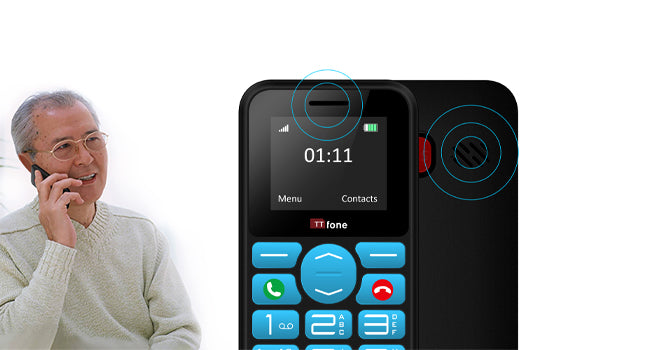
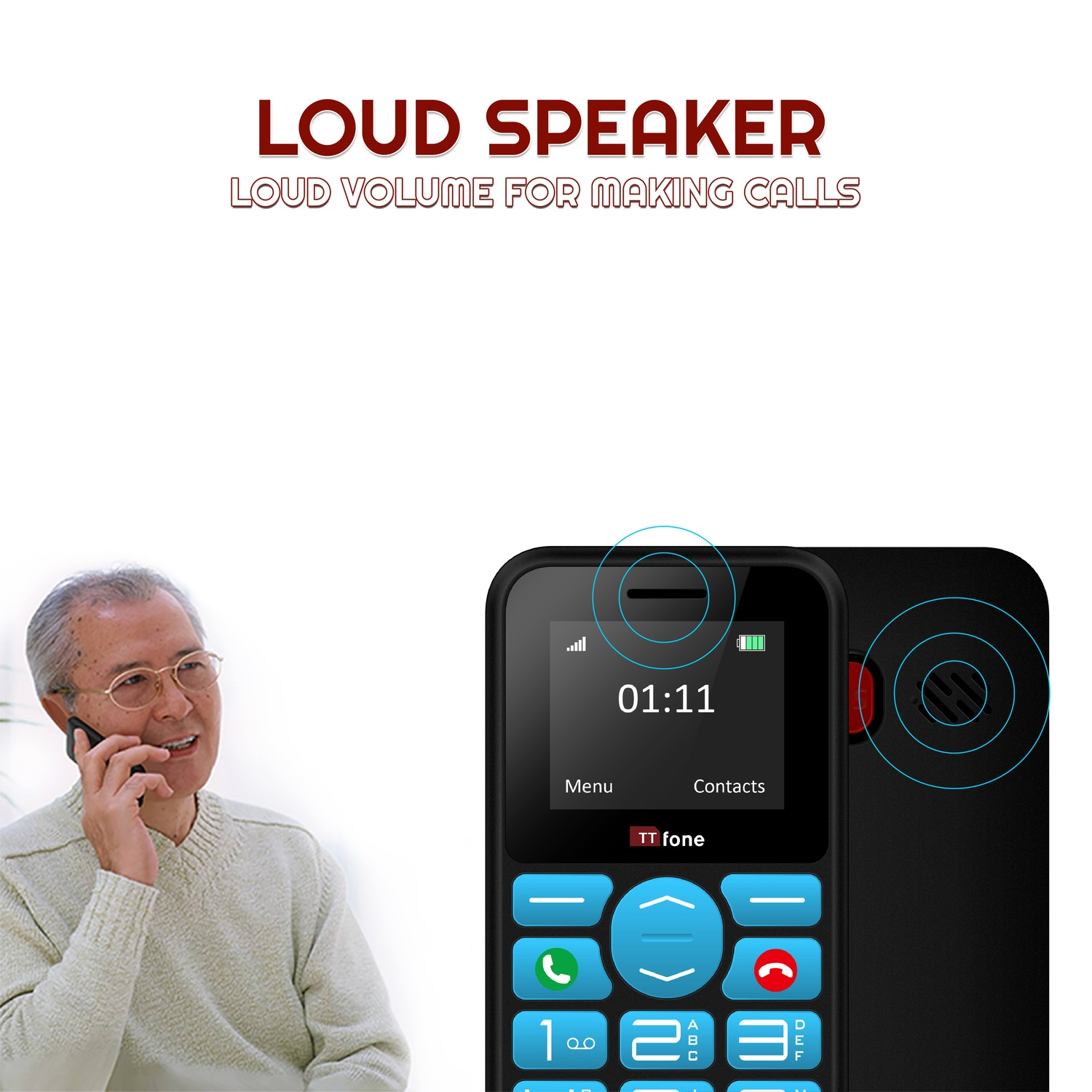
Loud volume
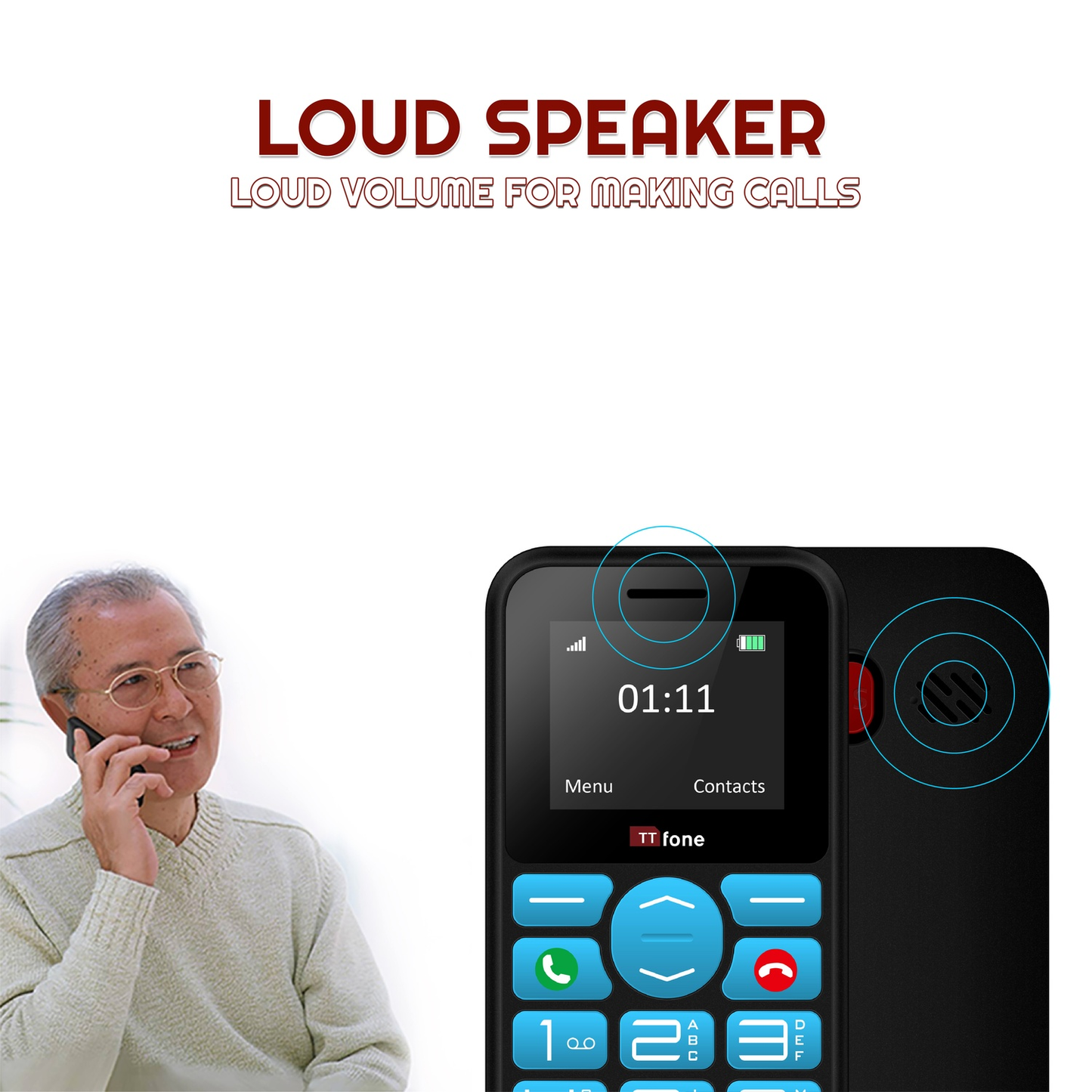
A fantastic mobile for the hard of hearing including vibration call alerts, super-loud ringtones & outstanding call clarity. Enjoy clearer conversations thanks to good sound quality and loud volume.
Ring Volume: 110 dB
Call Volume: 80 dB
Speakerphone Volume: 91 dB -
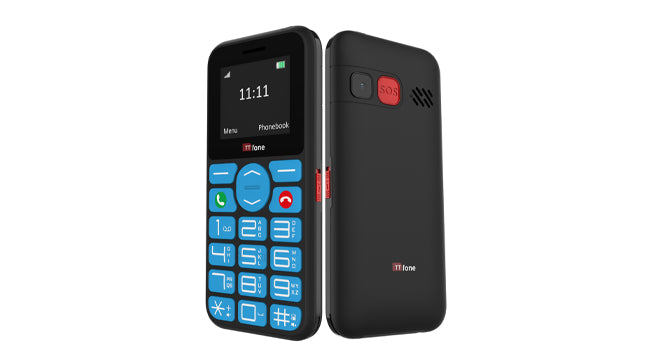
Unique Design with Ease of Use in Mind
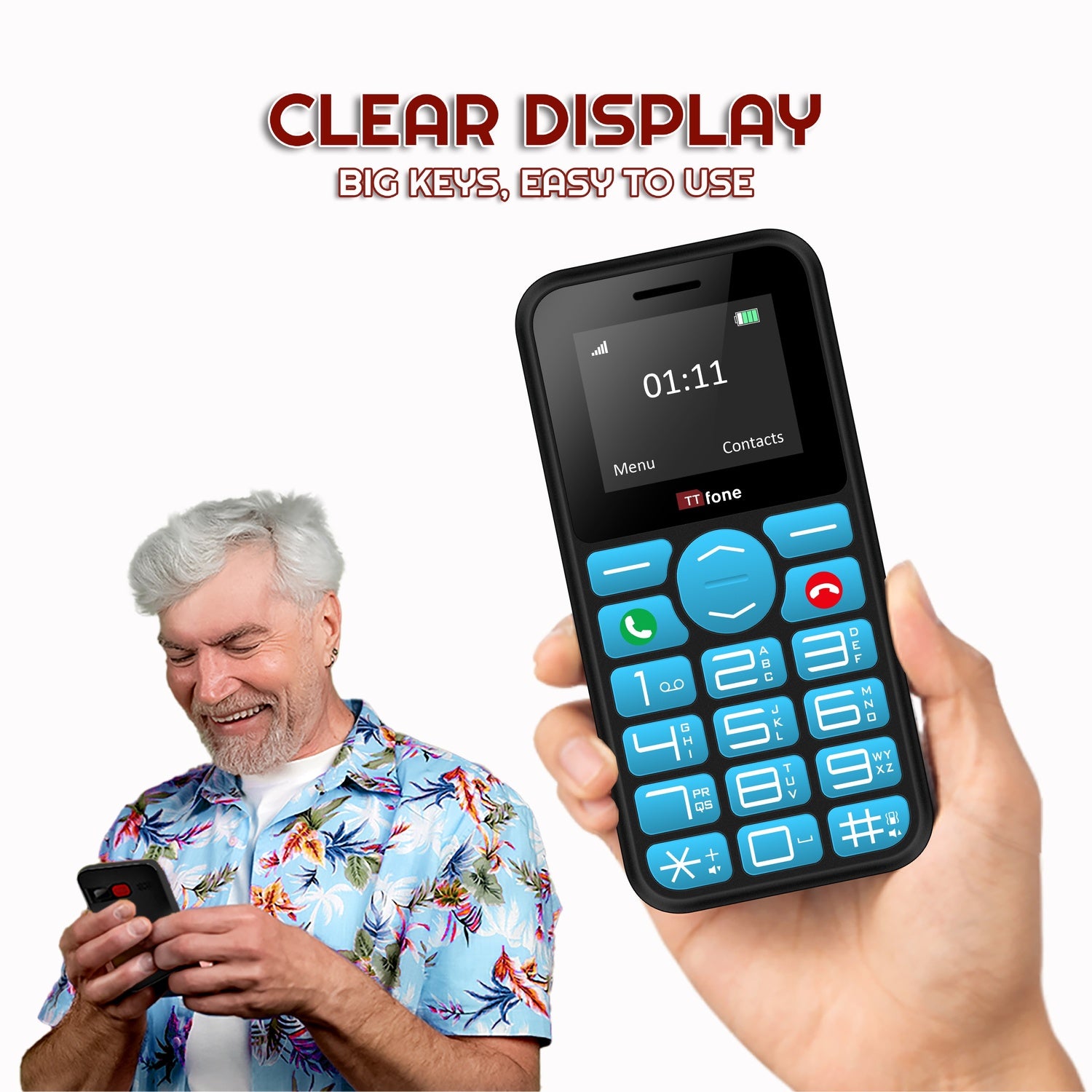
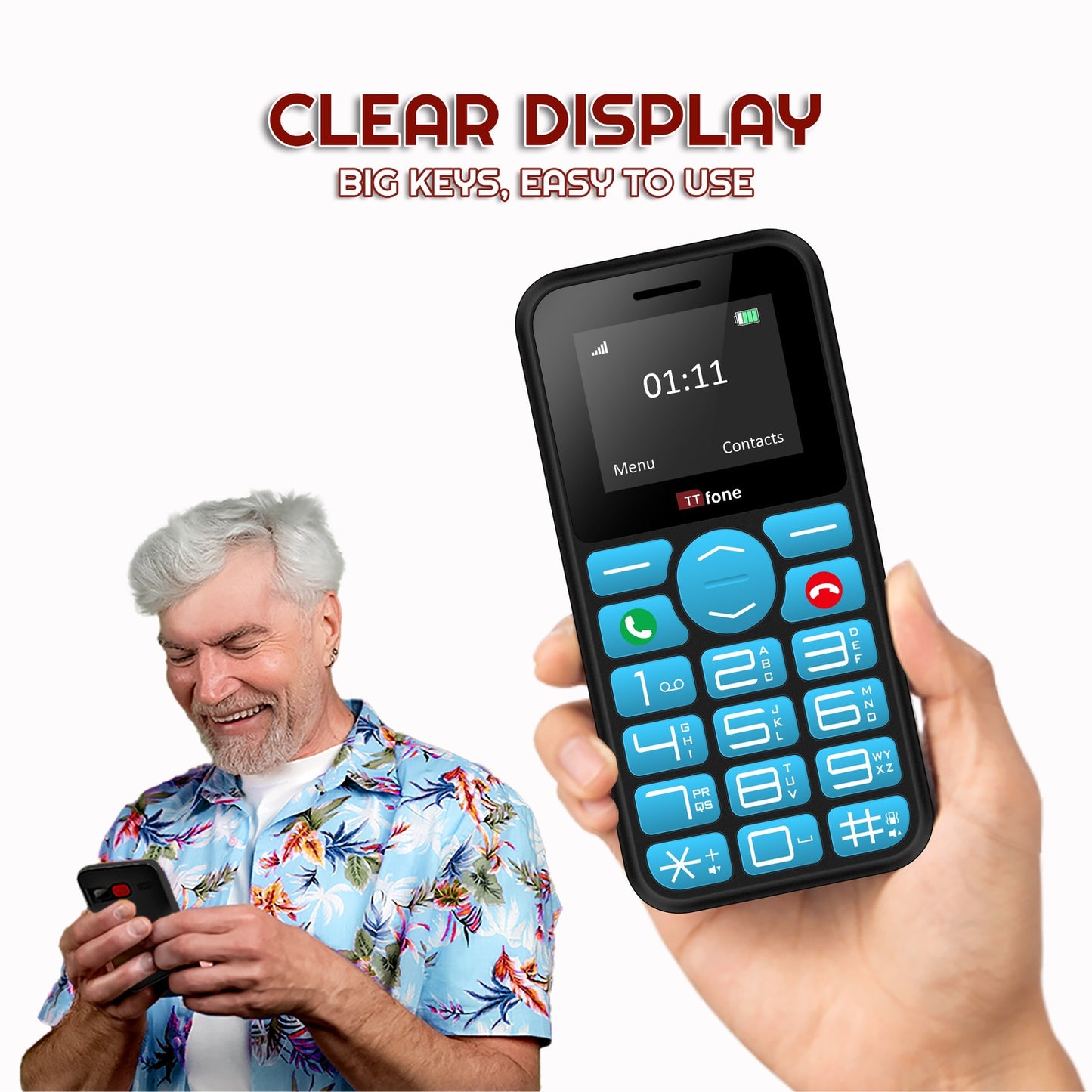
Looking for a simple, easy-to-use mobile phone for yourself or an elderly relative? TTfone offers basic phones with large buttons, loud clear sound, simple menus, and high-contrast displays with large fonts.
-
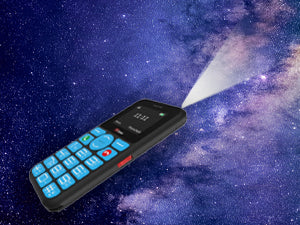
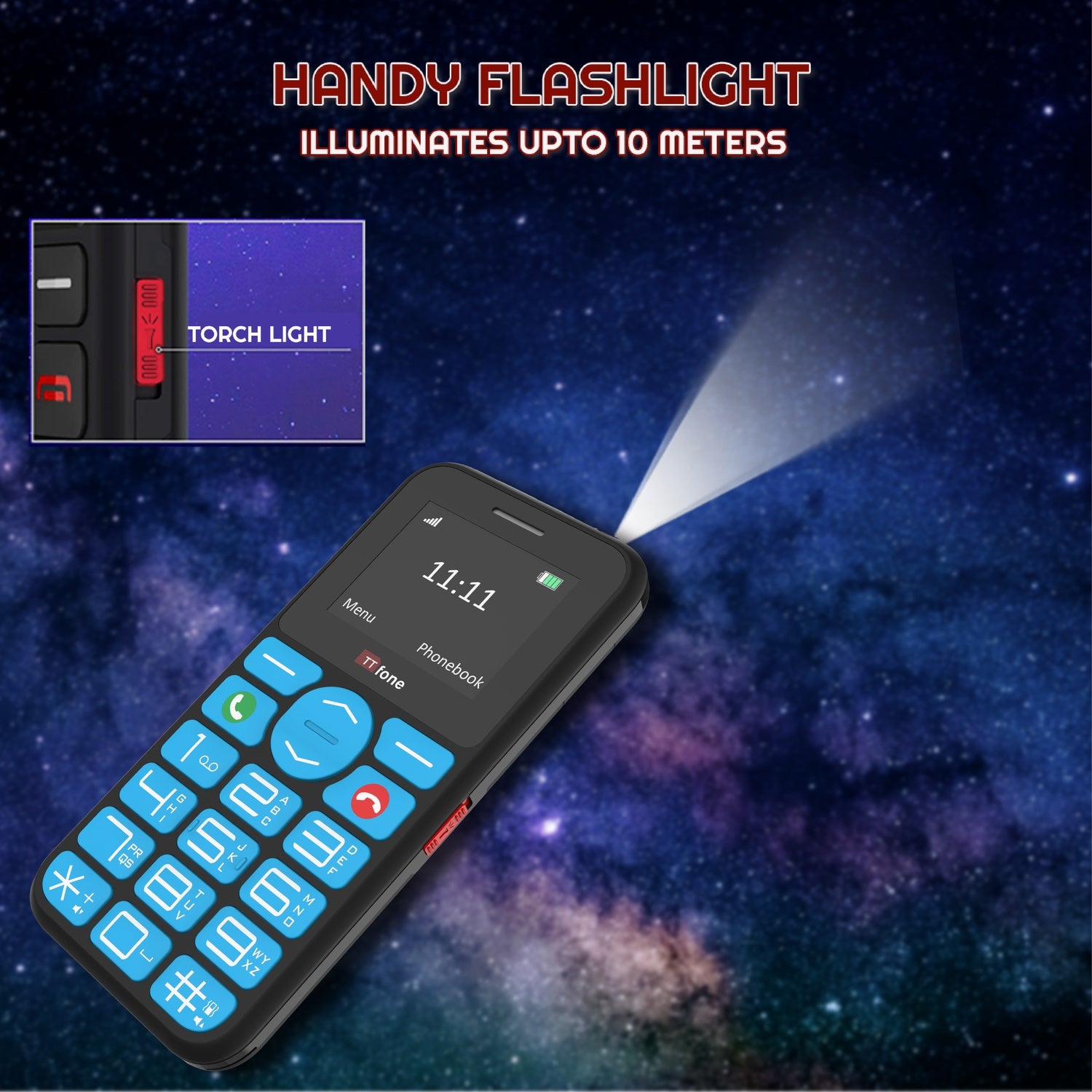
Handy Flashlight
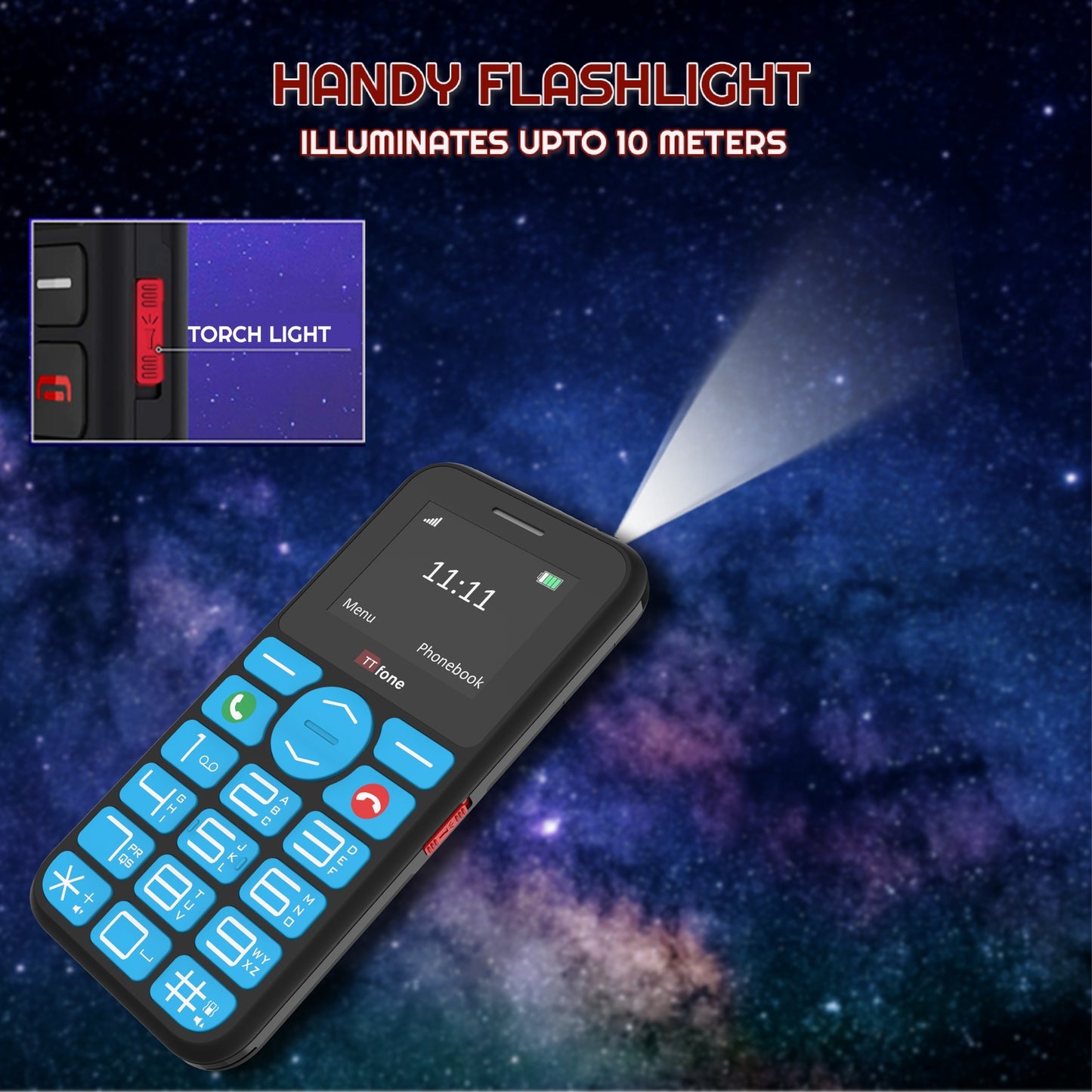
Separate, dedicated switch for using the bright torch on the top of the phone, never fumble to find your keys in the dark again.
-
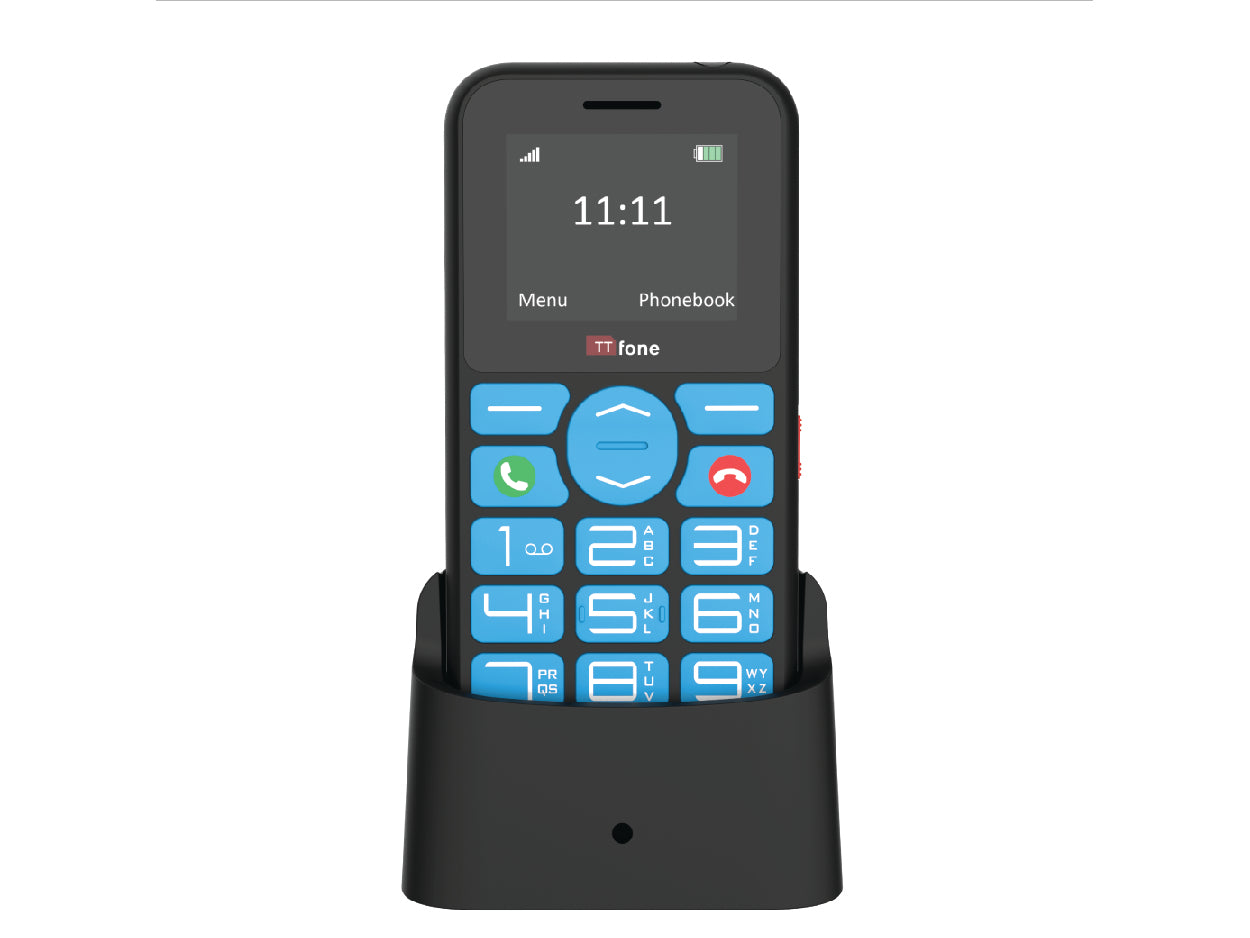
Affordable
The TTfone TT190 is our newest and most affordable emergency phone. Compact and easy to use, it's ideal for anyone needing a basic phone.
-
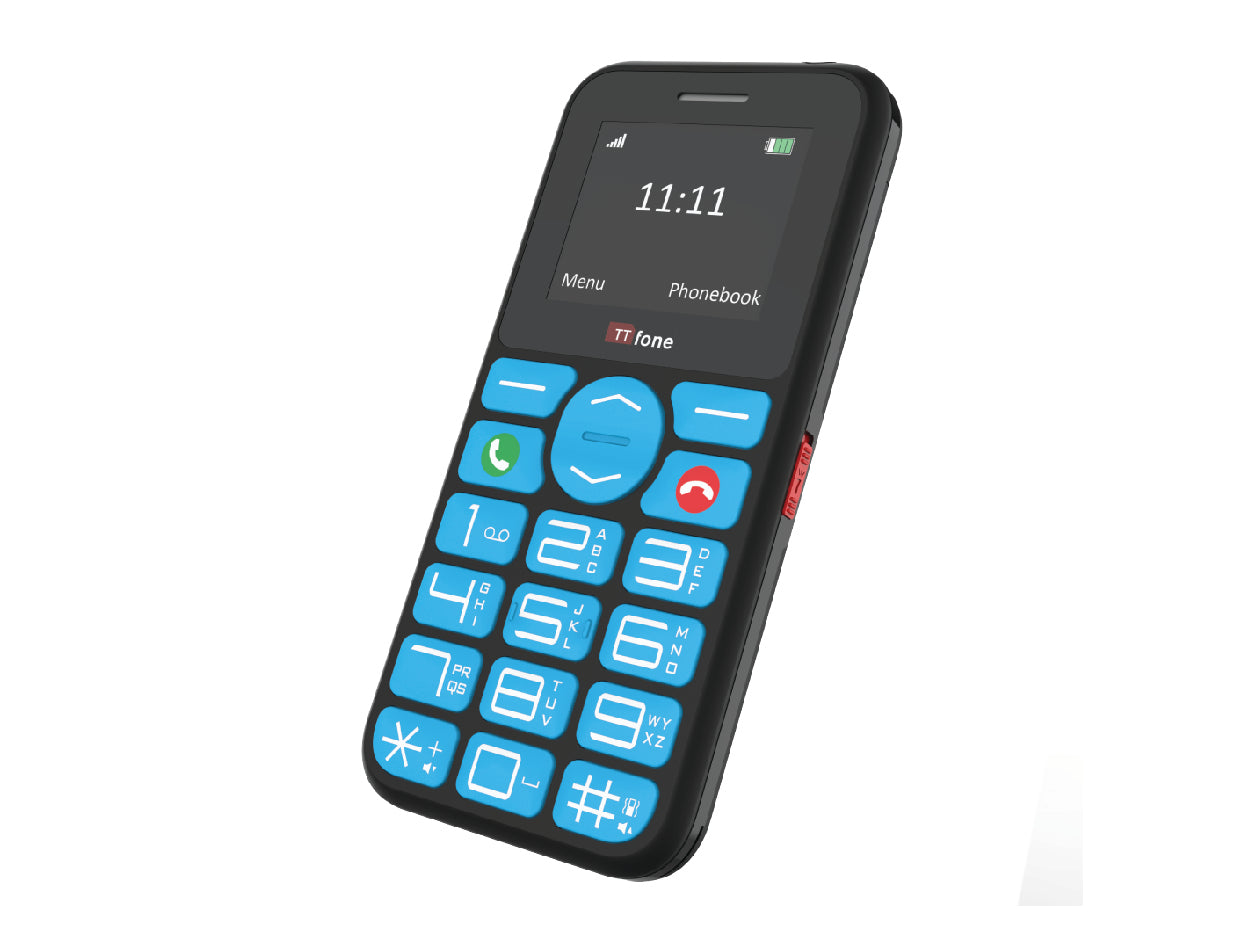
Unlocked Phone for Seniors
The TTfone TT190 is an unlocked, SIM-free phone compatible with all 2G networks. It will not work with Three, Smarty, or iD Mobile.
-
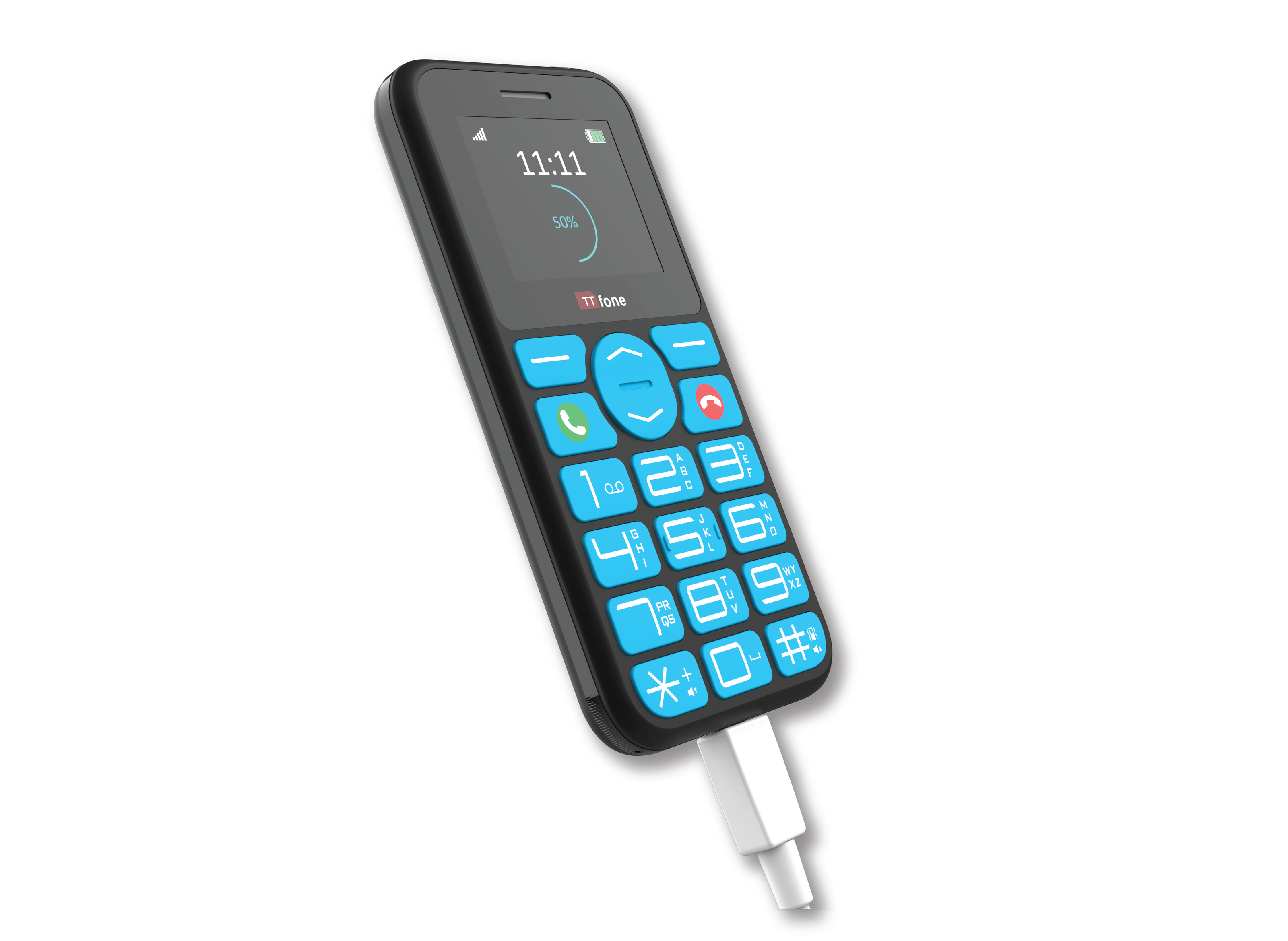
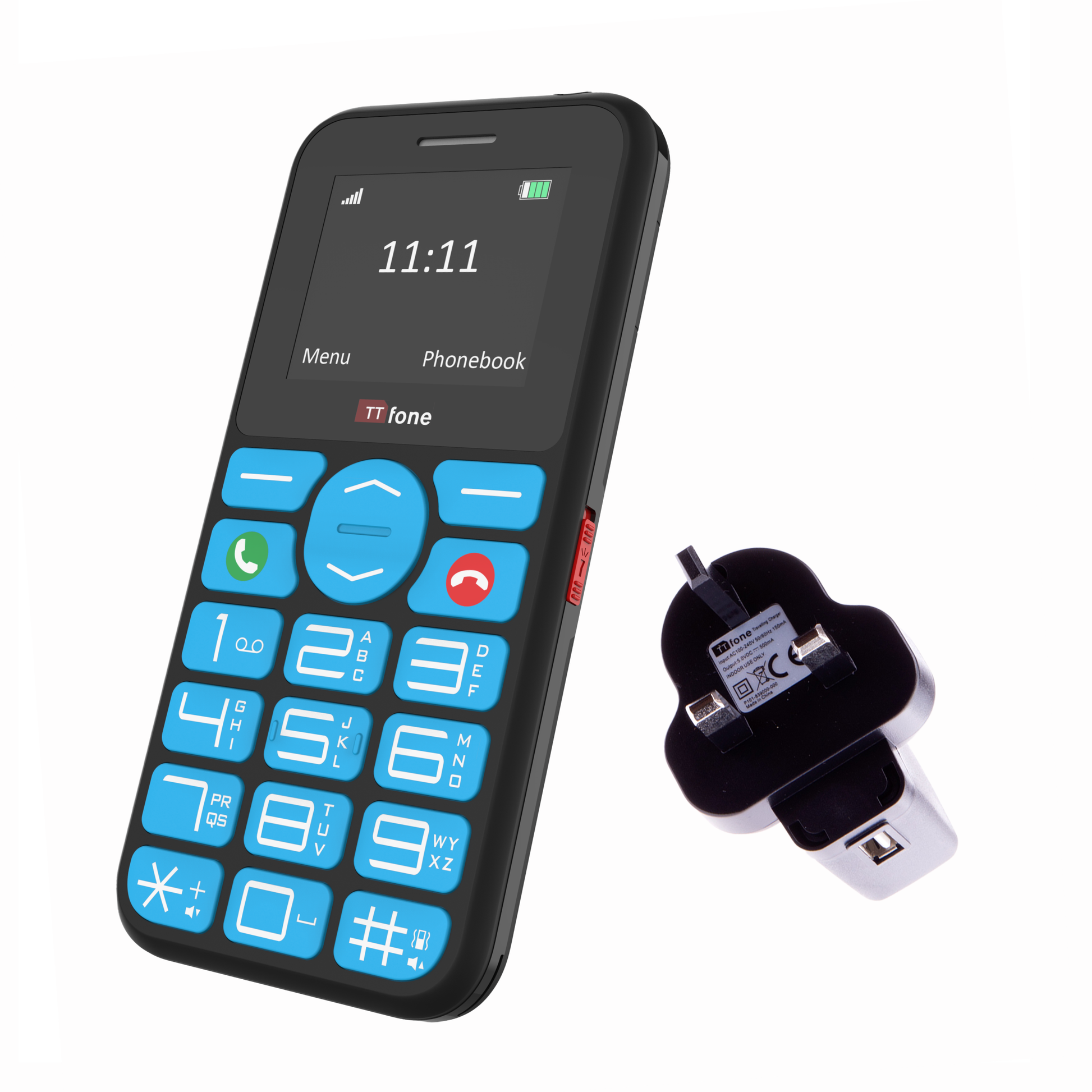
Easy charging
The TT190 comes with a USB charging cable in the box which can be used on any PC or Laptop. You can use any existing USB charger plug.
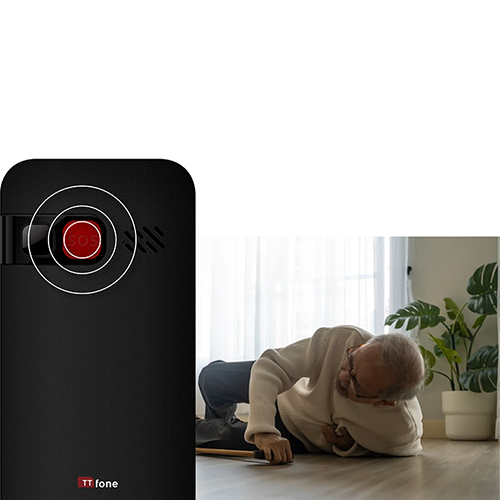
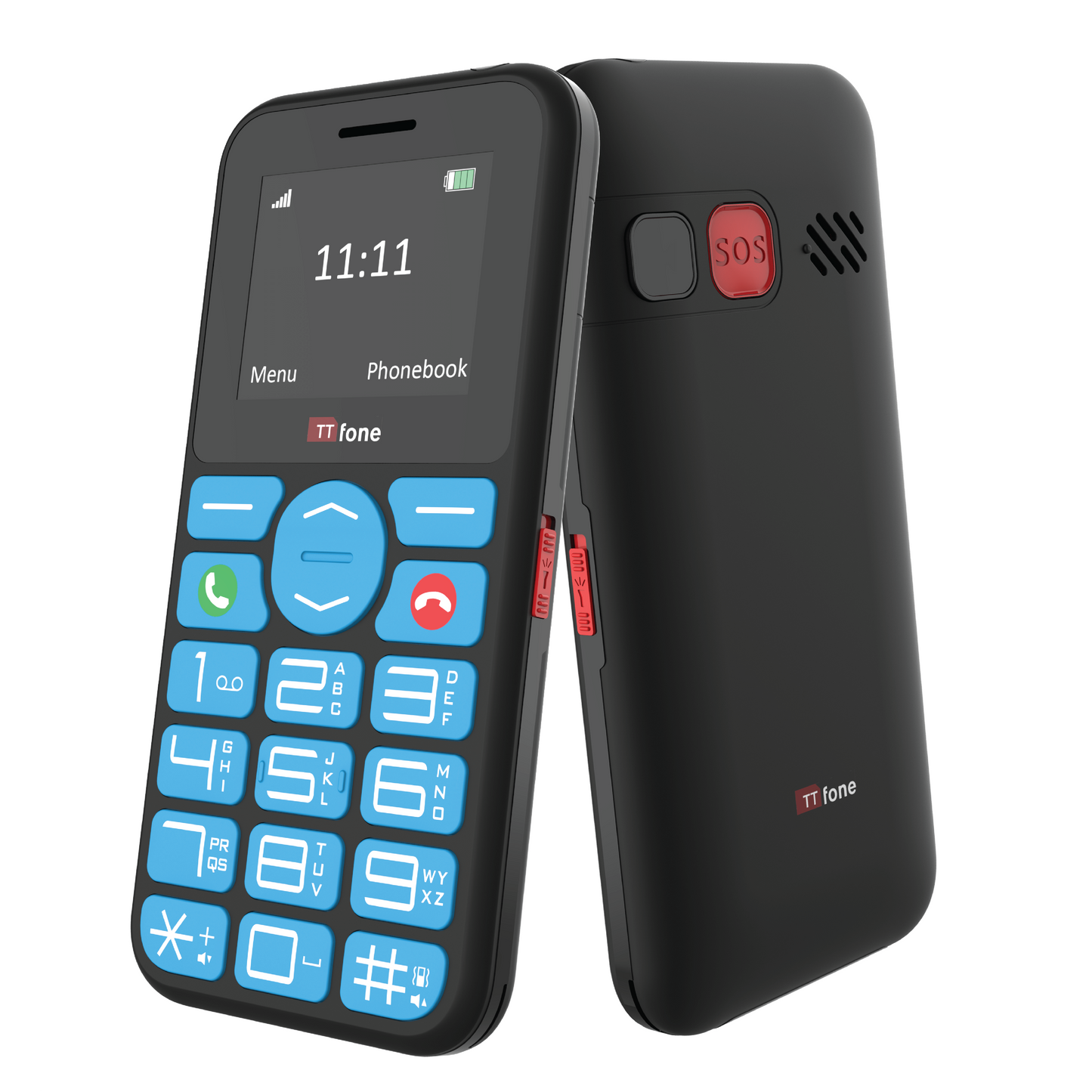
Emergency Assistance Button
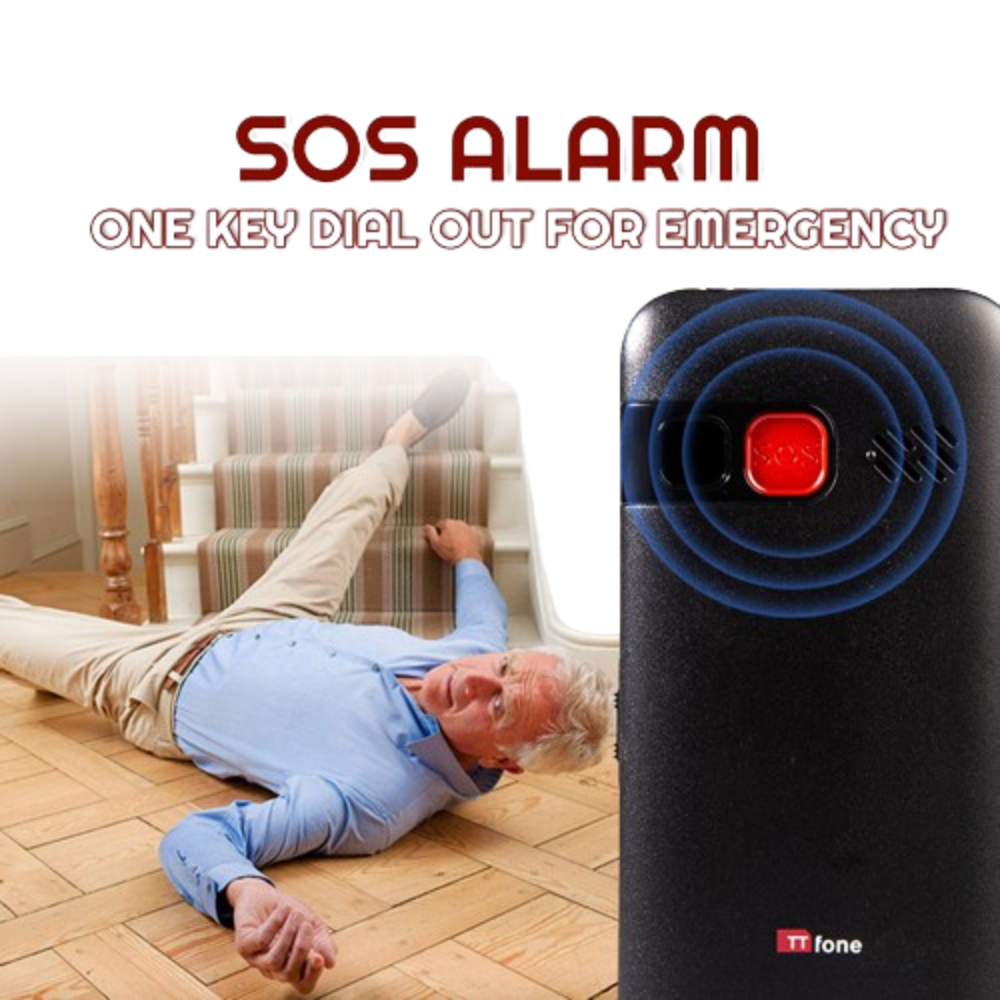
The TT190 features a dedicated Emergency Assistance Button, providing independent seniors with the confidence and comfort to go about their daily activities without causing concern for their loved ones. The single-click SOS option makes it easy to contact someone in case of an emergency, ensuring timely help from family or friends. Any number can be programmed, and it takes just one press of the panic button to initiate a call. You can set up to five emergency contact numbers.
-
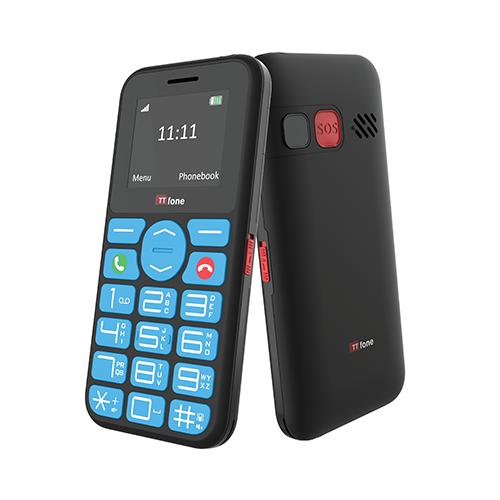
Long Battery Life
Battery life on the TT190 is huge, with a 600mah removable battery and the simple and basic nature of the software the standby time on this phone can last 5 whole days before you need to charge the phone again.
-
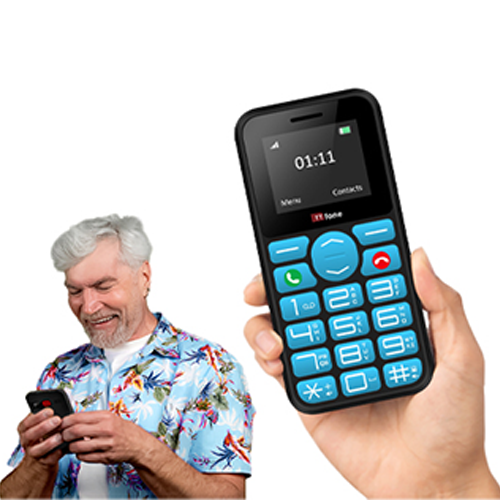
Handy phone
TT190 is another simple to use and very handy pocket-sized phone and the perfect phone for those who need a basic mobile phone without all the complications of a smartphone.
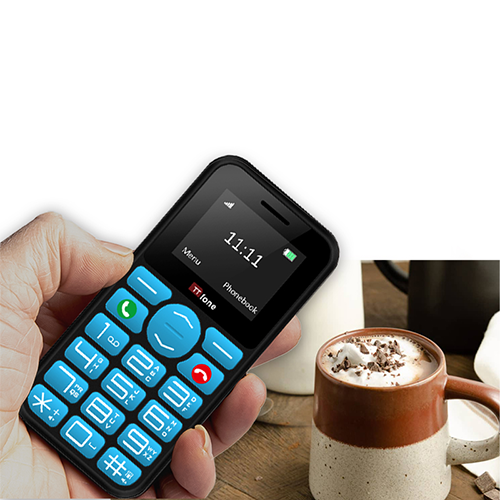
Large Buttons for Easy Texting
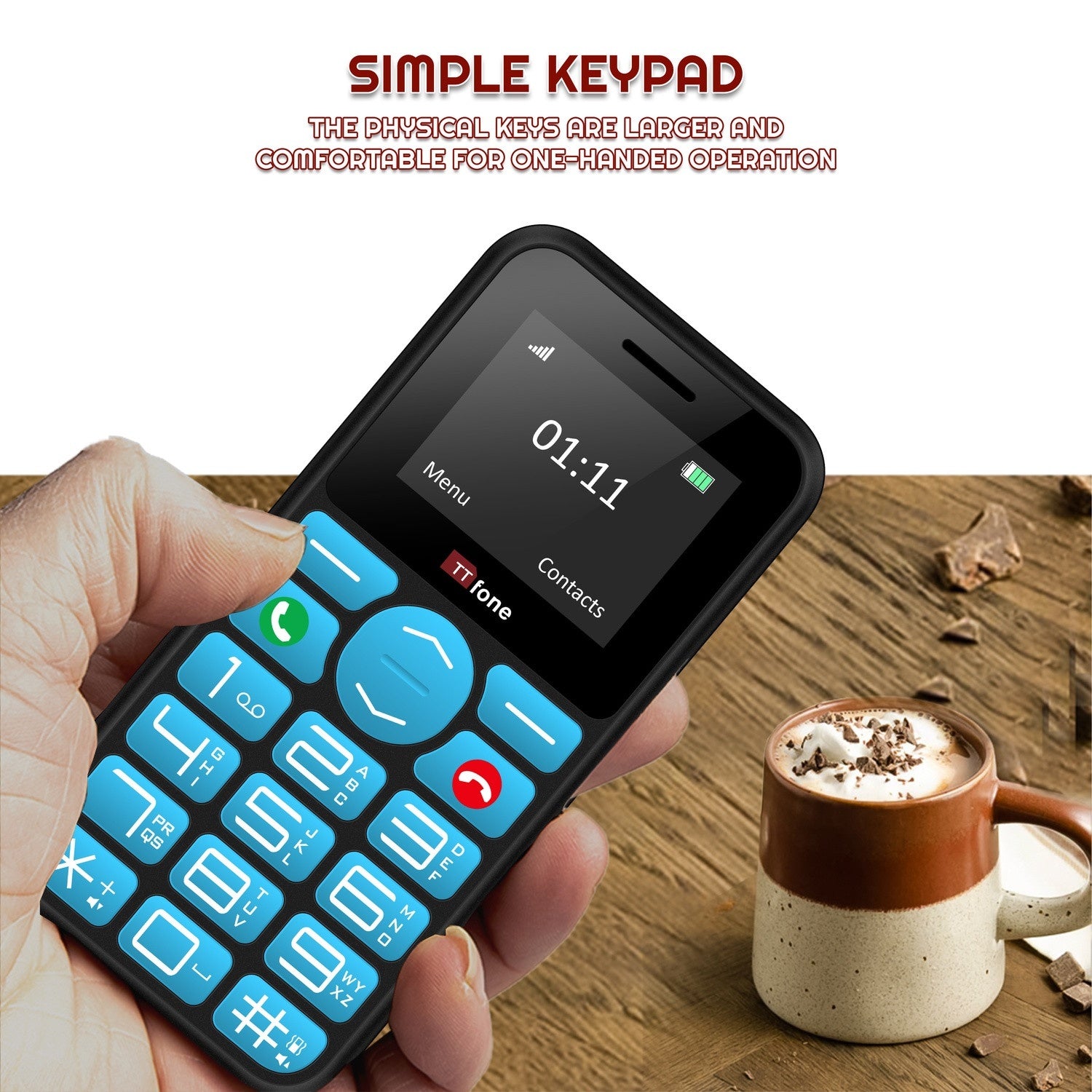
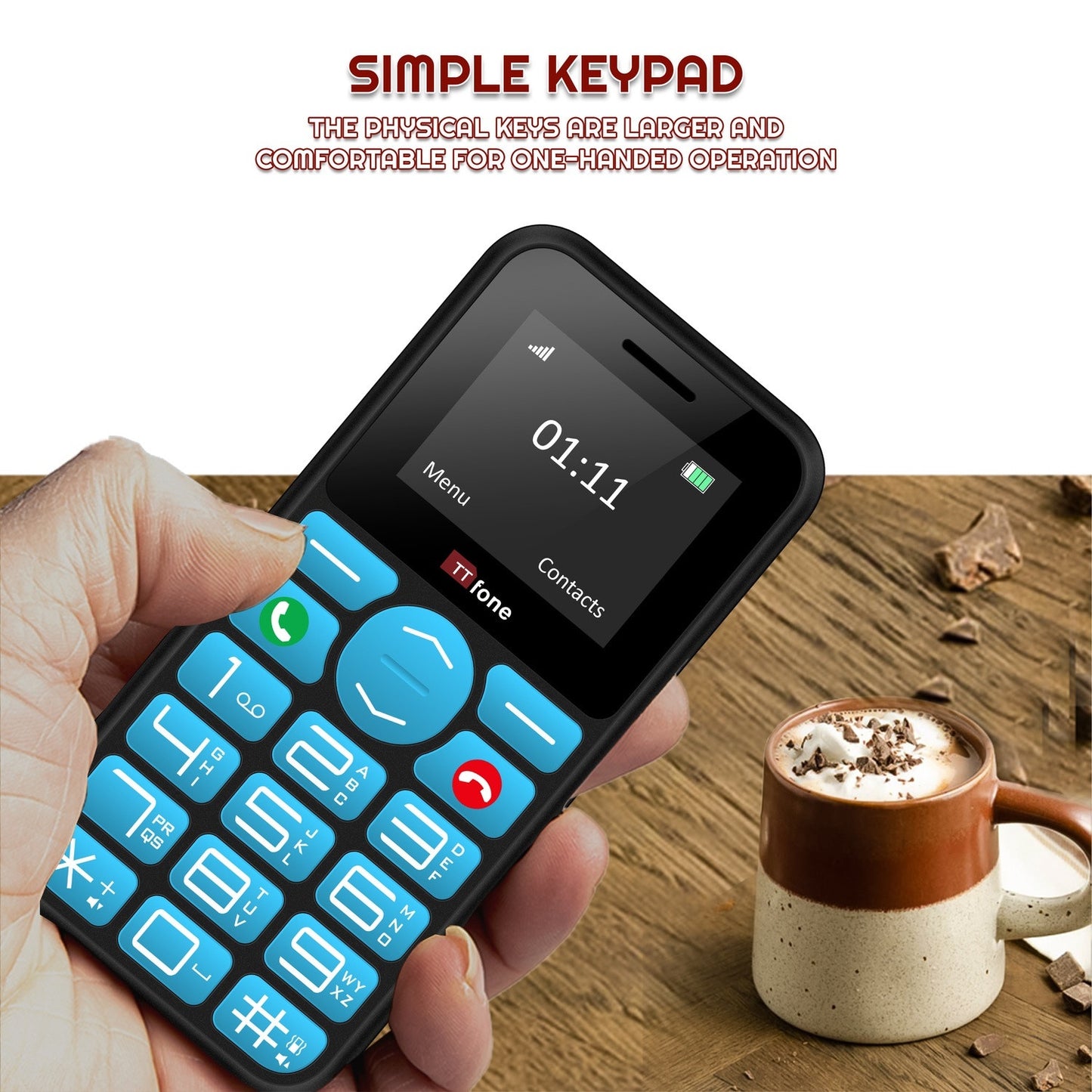
Simple Keypad - The TT190 has a large separated keypad for easier typing. With talking keys and distinct red and green keys for making and ending calls. The TT190 has a speed dial facility. The speed dial key lets you contact someone on a press of a key. This completely eliminates the need of remembering numbers of relatives and friends
Big button is good
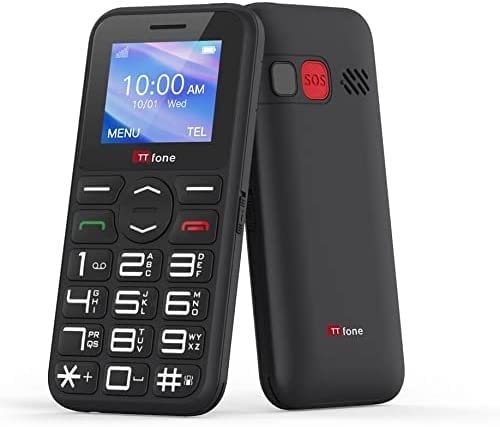
Some good some not so easy to navigate the menu changing or adding phone numbers
Thank you for your feedback. We're pleased to hear there are aspects of the phone that you like.
We also appreciate your comments about navigating the menu and managing contacts. Your feedback is valuable and will be shared with our product team as we continue to improve the user experience.
Thank you for choosing TTfone.
— TTfone Team
Good value phone
Ideal dor my mother
Good for an elderly parent
Práctico para personas mayores. Pero se bloquea teclado a los pocos minutos.
Letras y numeros de pantalla pequeños. Perfona mayor 83años.
This was easy to use for my disabled relative helping him to stay in touch as he found the big buttons much more accessible. It had the right level of functionality making it easy to use.
ok
super
Todo correcto
Ottimo rapporto qualità prezzo, ha tutte le funzioni necessarie per una persona anziana
Facile à utiliser, pas chère et la batterie est accessible !
Apart setting up I’ve not used it yet as I want it to use for when I go into hospital soon for an operation
To use to contact family
So Hopefully it will work fine 🤞
Thank you for your review.
We hope your upcoming hospital stay and operation go smoothly. This phone is designed to be simple and reliable, making it well suited for keeping in touch with family when you need it most.
Should you require any assistance with setup or have any questions before or during use, please don’t hesitate to contact our customer support team, who will be happy to help.
- TTfone Team
Cheap and basic. Does the job.
very good phone easy to read numbers
The phone will not switch on. Lasted less than a month. We were on holiday so we could not return it. A waste of our money.
Simple and easy with big buttons
Purchased for my 90 year old mum
Peron happy so easy to use
Bought this as an emergency phone for my 80 yr old mum, expecting a refund if it stopped working within the 12month warranty. It stopped afteronly 5 weeks. Company ignored emails and only accessible via phone between 10am and 4pm. Rang them, to be told they will only repair or replace, not refund and that I need to ring amazon if I want my money back.
Its really very good and for a 90 year old that has never used a mobile phone - its brilliant!
Nice large keys but hard going to write a text. panic button a good idea but easily pressed in error
Good for an elderly parent
Very happy with my purchase and how quickly it came thanks very much.
I like it because it has a clear keypad and screen and easy to use
Handy little basic phone and really good value
This phone is not fit for its basic purpose in provision of communicationIt does not work from the outset and just had interference and failed hardwareTT have resolved by giving me a refund But I would steer clear
Earlier delivery than stated. A good thing.Basic but technically suitable for proposed user (80yo)Only problem was the SIM card automatically loaded a £10 per month bundle. I wanted a PAYG pay per call serviceUnlike Amazon, Vodafone are not as customer user friendly. Eventually got someone who changed the SIM card to PAYG pay per call as I was speaking to himNow I have what I wanted.
It worked fine for the purpose. Easy to use and the emergency button in the back is handy.
Great phone for elders, reception isn't the best but that might just be my phone I got and area,
Nice easy phone to use for people who struggle IE older or less technical savvy..
It's as simple or as complicated as you wnt it to be. I bought this for my friend who is 88, nice big buttons and voice over to tell you what button you have pressed. The only annoying thing is the noice it makes when you press a button, it quacks like a duck. After reading all the intructions and the section for changing the sound and then searching for it on the phone menu, found it to be the only thing not actually in the menu so have to put up with it. Overall though a good buy.
Bought for elderly relative, after initial issues with the charging cradle (which isn’t any use) and directly charging via cable, it works perfectly and allows her to keep in touch with friends now she’s unable to get out.
Works very well and pretty easy to use.