
TT880 Tech Talk: What’s Inside
💡 Quick Overview
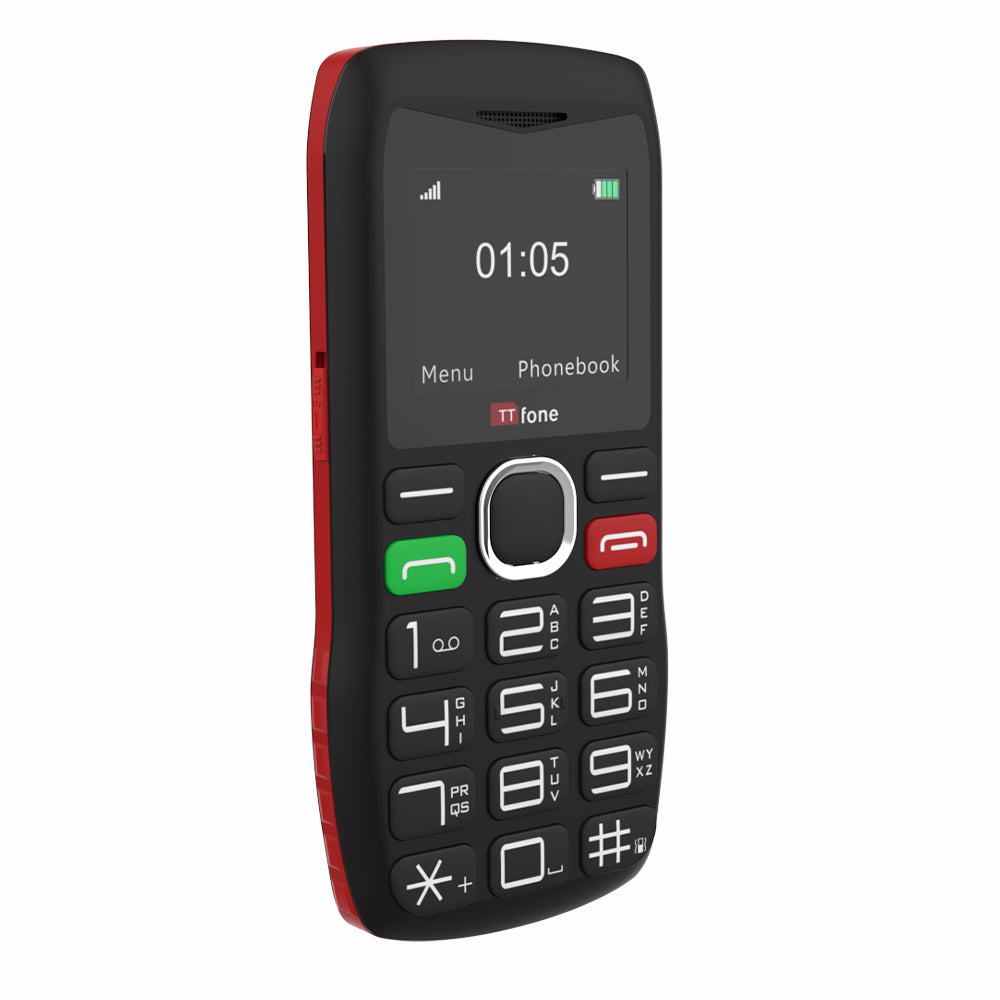
- Style? Classic candy bar shape – easy to hold, easy to love
- Languages? English, French, Spanish, German, Italian, and Arabic
- Lanyard Compatible? Yes
- Touchscreen? No, keypad navigating menu
- Screen Size & Display type? 1.77" Colour TFT
- Display Screen Distinction 240*320 pixels
- Predictive text? Nope – old-school typing only
- Keypad Backlight? Yes
- Talking Buttons? Yes, human voice key for number pad
- Speed dial? Yes, can set from no. 2 - 9
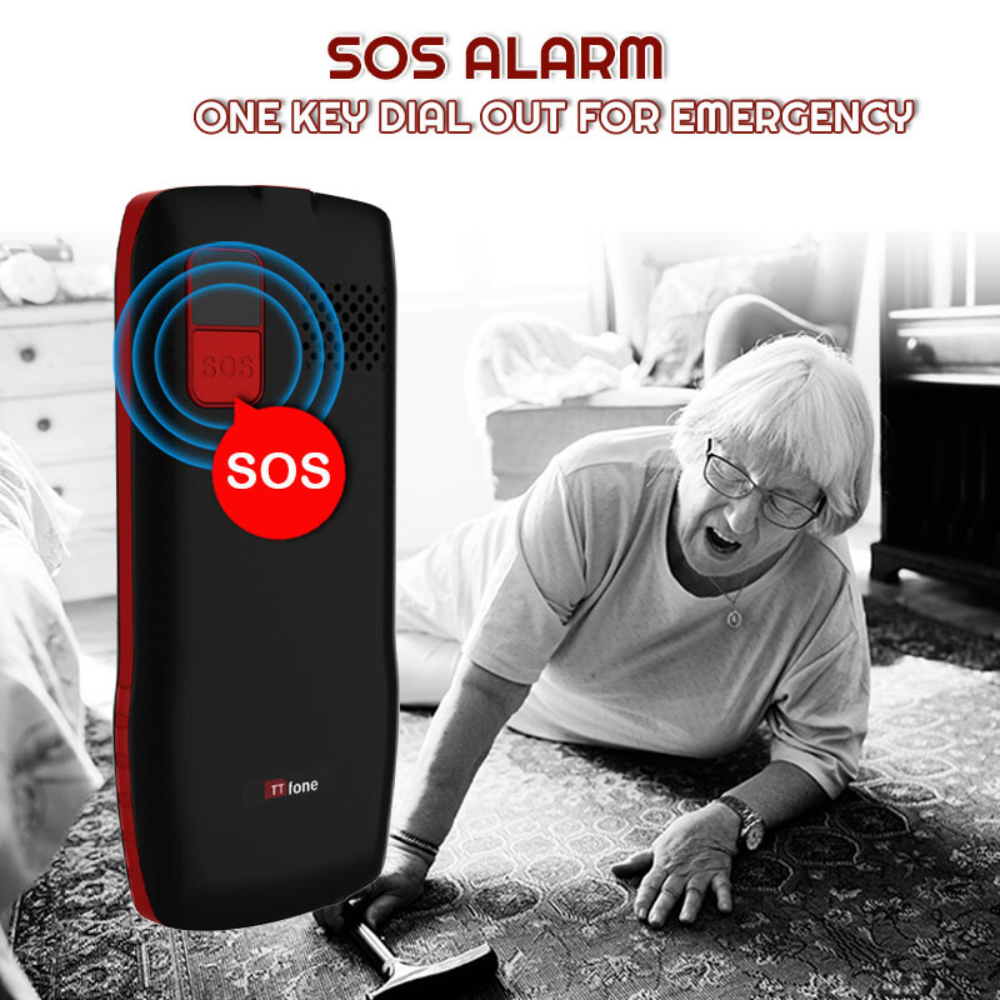
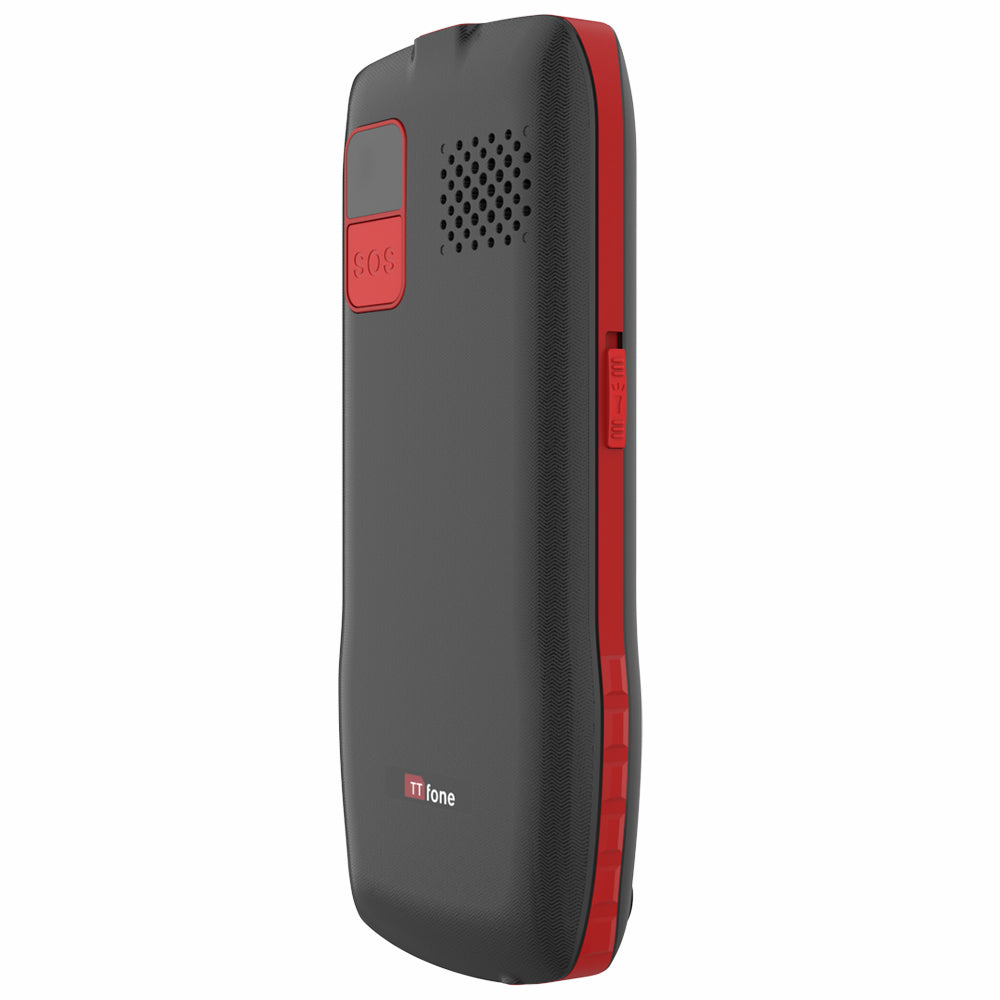
- Emergency Alert Button? Yes, Push type
- Pre-set for SOS Button? Yes, up to 5 emergency contact number
- MP3, Radio,Calculator,Alarm Clock & Flashlight? All included
- Headphone Port: Yes
📦 Storage & additional specs
- Memory: 32MB internal storage
- Expandable: Up to 32GB with MicroSD memory card
- Contacts: Save up to 300 contacts
- (SMS) Text messages: yes, Saved up too 100 - SMS (normal text messaging)
- Camera? No
📐 Dimensions & Weight
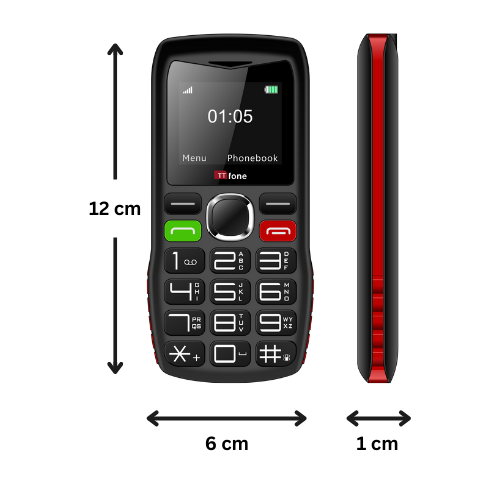
- Height: 12cm
- Width: 6cm
- Depth: 1cm
- Weight (w/ Battery): 79g
🔋 Power & Charging
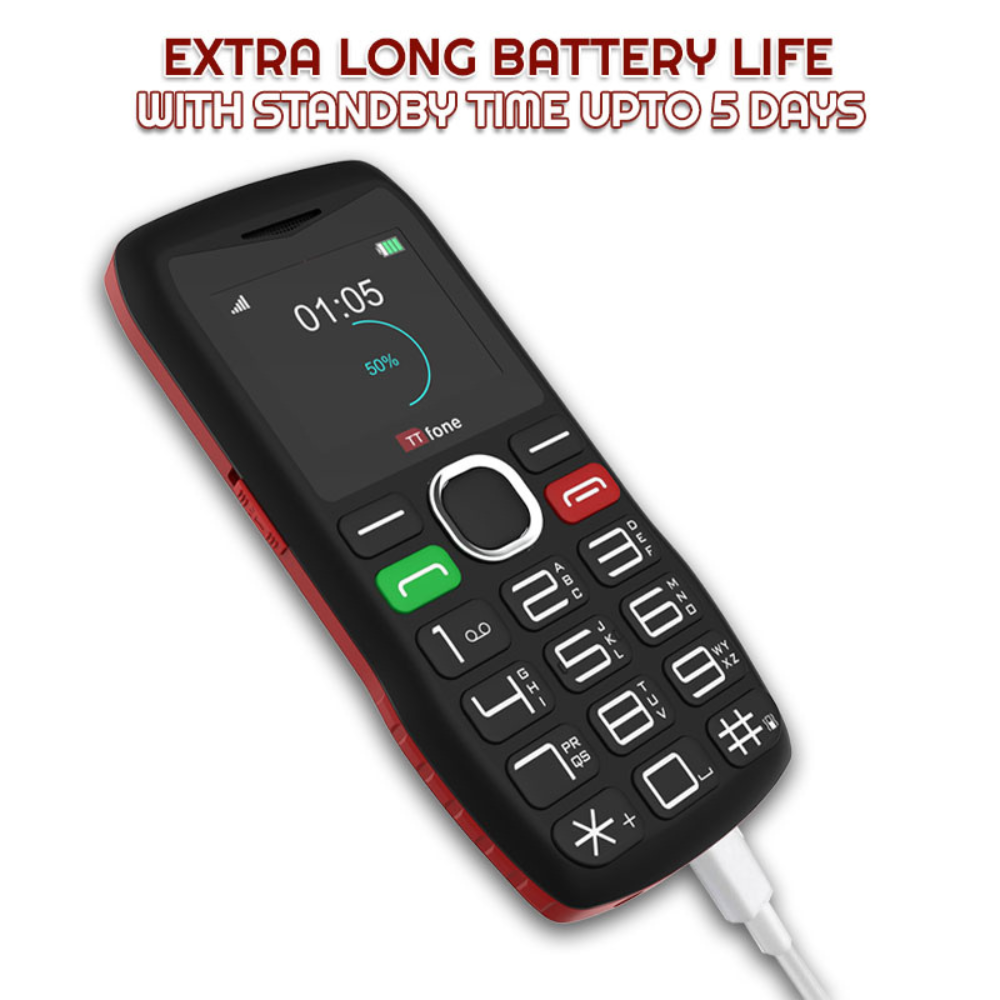
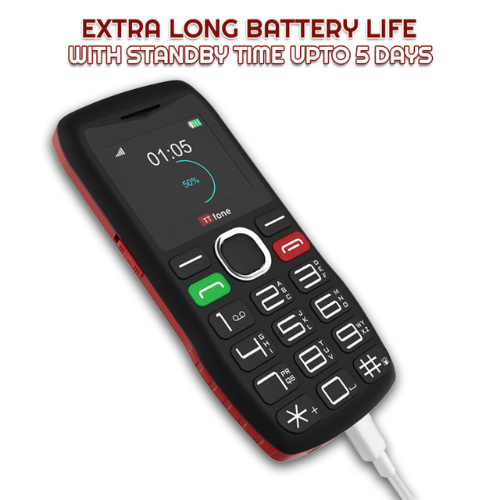
- Battery: Li-Ion V2.1 Battery 600 mAh -lasts up to 5-7 Days standby
- Talk time: Around 5–6 hours
- Charger: USB C (finally!) + a mains head charging option (sold separately)
- SAR Value: 1.223 w/kg
📶 Call & Network Stuff
- Bandwidth: GSM:850/900/1800/1900
- Dual SIM? No
- SIM card size: Standard
- Wi-Fi? None
- Bluetooth? Yes
- Number of Ringtones? 97 ringtones
- Ring Volume 104.12 dB
- Call Volume 80.6dB
- Speakerphone Volume 90.8 dB
🌐 Smart Features – Not on this mobile, it runs basic calls and messages only.
📌Want to get the most out of your TT880?
Check out our Youtube page for quick video tutorials.
❓Wait, Quick Questions…
❓ Wait, Quick Questions…
Find fast answers to common questions about our services and products:
Q1. How to contact TTfone?
You can chat with us directly on our website by clicking the bottom-right chat bubble, or click here: Chat with us.
Email: Reach us anytime at [email protected].
Phone: Call us on +44 (0) 330 333 0819 (charged at UK standard rate), Monday to Friday, 10:00 AM – 4:00 PM.
Q2. What are your shipping options?
We offer 2 delivery options for UK customers:
- Standard Delivery: 4 to 7 working days — FREE
- Express Delivery: 1 to 2 working days (additional charge)
Orders placed before 2:00 PM (Monday to Friday, excluding public holidays) are dispatched the same working day.
Orders delivered outside the UK & EU may incur import duties or local taxes payable by the recipient. We will confirm courier availability for your destination before dispatch. If service is unavailable, we reserve the right to cancel the order and issue a full refund.
Q3. How long is the phone warranty?
Brand-New Mobiles:
- 1-Year Warranty: TT170, TT175, TT220, TT240, TT300, TT660, TT750, and TT950.
- 2-Year Warranty (Selected Models): TT150, TT190, TT280, TT290, TT760, TT880, TT890, TT970, and TT990.
14-Day Returns / Refurbished Resale Deals:
- ✔ 30-day return policy
- ✔ 3-month service warranty
*The warranty covers manufacturer faults and excludes physical or liquid damage. Statutory consumer rights remain unaffected.
Q4. How do I register my TTfone warranty?
You can easily register your product online by completing our form here: Register Your TTfone Warranty.
Q5. How long do I have to return a phone for a refund?
We offer a 30-day return policy if you change your mind or find the item unsuitable. Simply contact us so we can raise a return Case ID. Once the item is posted and inspected, your refund will be processed.
*Please note: Prepaid top-up airtime credit is non-refundable.
Q6. The appearance is simple, but is it easy to use?
Absolutely! Our intuitive layouts make navigating quick to learn. Menus are straightforward so you can find what you need without complex steps or endless searching.
Q7. Who are TTfone mobile phones made for?
Everyone! Anyone looking for simple, reliable mobile connectivity can benefit from TTfone. Our large buttons, high-volume speakers, audio speech feedback, and easy menus make them ideal for seniors, children, or anyone wanting a distraction-free secondary phone.
Q8. Is this phone considered safe regarding SAR & radiation?
Yes. All TTfone devices strictly comply with UK and European safety regulations, producing low SAR radiation levels suitable for daily peace of mind.
Q9. What comes included in the box?
Every phone includes:
- TTfone Handset
- Rechargeable Battery
- USB Charging Cable
- User Manual
*Selected models also include a convenient desktop dock charging station in the box.
Q10. What SIM cards can I use with TTfone phones?
All TTfone mobile phones are unlocked to any network. However, please note:
- 2G-only models: Do not support 3, iD Mobile, or Smarty (as these networks rely solely on 3G/4G/5G).
- 3G/4G models (TT280, TT290, TT890, TT970, TT990): Work with all UK & EU network providers.
If using the phone outside the UK or Europe, please check with your local provider regarding local 2G/3G/4G frequency band compatibility.
Q11. Can this phone be used hands-free?
Yes! On models with a dedicated speakerphone button, press it once during a call. On other models, select Options > Hands-Free. This feature is great when driving, cooking, or involving family members in the conversation.
Q12. What is the SOS button on the back of some mobiles?
The SOS key is an emergency feature that dials preset contacts in sequence and sends emergency text messages automatically. It can also sound a loud local alarm to attract nearby help.
Important requirements:
- An active SIM card must be inside the device.
- At least one emergency phone number must be saved to the SOS menu.
- The phone must have signal and available call/SMS credit.
Q13. Can flip phones answer/end calls by opening and closing?
Yes, all TTfone flip models support the flip-to-answer setting for standard cellular calls.
Note for 4G flip models (e.g. TT970 & TT990): The flip action does not control WhatsApp calls, as third-party messaging apps require touch input inside the app screen.
Q14. What language options are supported?
All TTfone models support English, French, Spanish, German, and Italian.
Selected models also support additional languages such as Polish, Dutch, Portuguese, Romanian, Turkish, Arabic, Hindi, or Russian. Check individual product specification pages for exact language details.
Q15. Which TTfone models support WhatsApp?
The following smart-feature models support WhatsApp messaging and calls:
- TT280
- TT290
- TT950
- TT970
- TT990
Q16. How can I order TTfone products?
You can order directly online at www.ttfone.com or via phone. We are also available on trusted market partner sites: Amazon, eBay, TikTok Shop, Temu, OnBuy, The Range, and Cdiscount.
*Note: Purchases made via partner platforms must be processed on that platform for any returns or refunds.
Q17. What online payment options do you accept?
We accept Debit/Credit Cards (Visa, Mastercard, American Express), PayPal, Apple Pay, and Google Pay.
TT880 Dimension
- Height: 12 cm
- Width: 6 cm
- Depth: 1 cm
- Weight (w/ Battery): 79 g
-
Effortless Typing
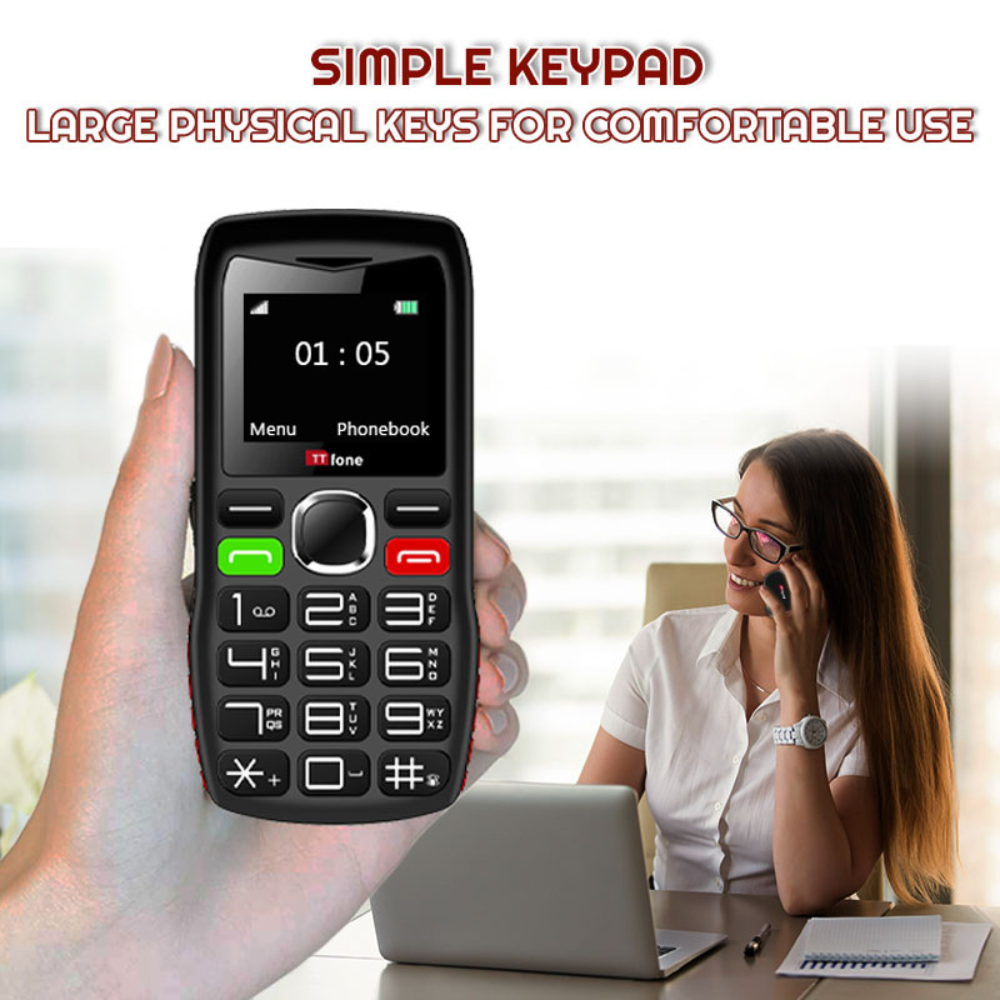
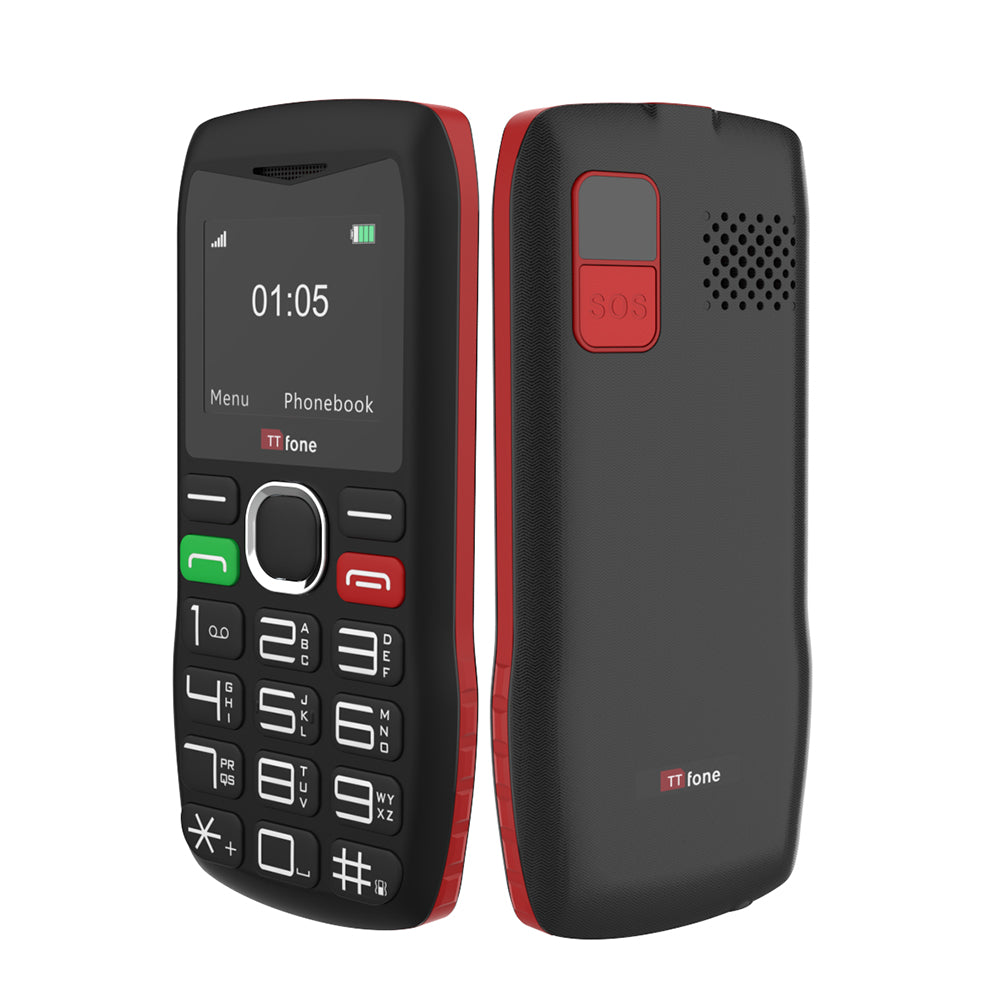
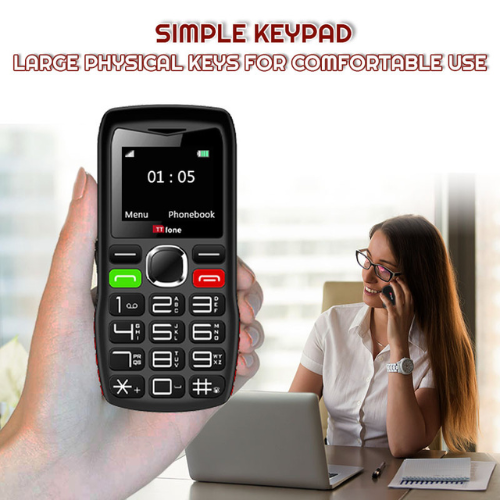
TT880 features a spacious keypad with well-separated keys, ensuring easy and accurate typing. Equipped with talking keys and distinct red and green buttons for effortless call management.
-
Simple Charging Solution
Charging your TT880 is hassle-free with the included USB type C charging cable, compatible with any PC or laptop. Additionally, you can use your existing USB type C charger plug for added convenience. If needed, a USB mains plug charger is available for separate purchase.
-
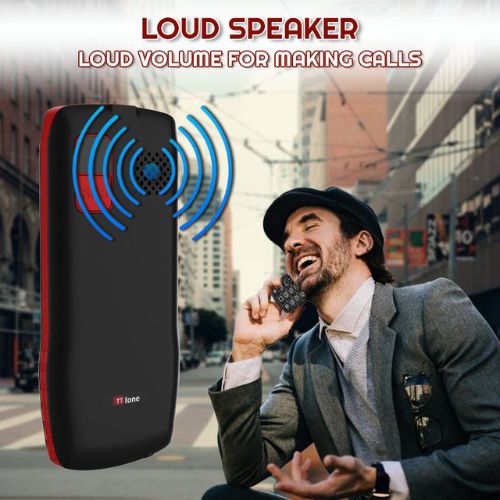
Enhanced Call Clarity
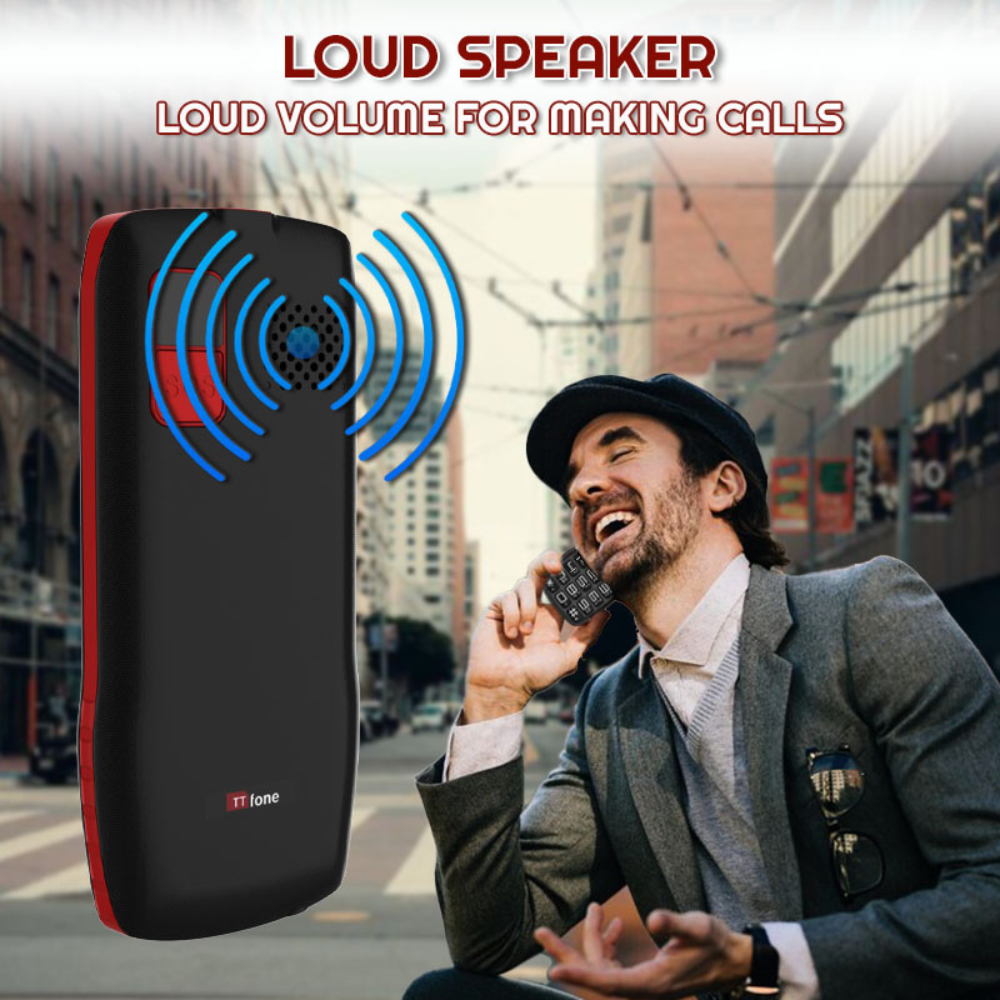
Enjoy crystal clear conversations with the TT880's extra loud speaker, perfect for both regular calls and speakerphone functionality, providing even louder volume when needed.
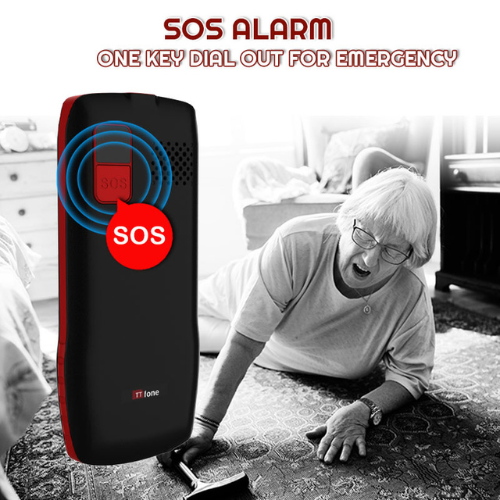
Emergency Assistance Button
The SOS button on the TTfone TT880 gives quick peace of mind if something goes wrong. Here is how it works:
1. Dedicated SOS Button:
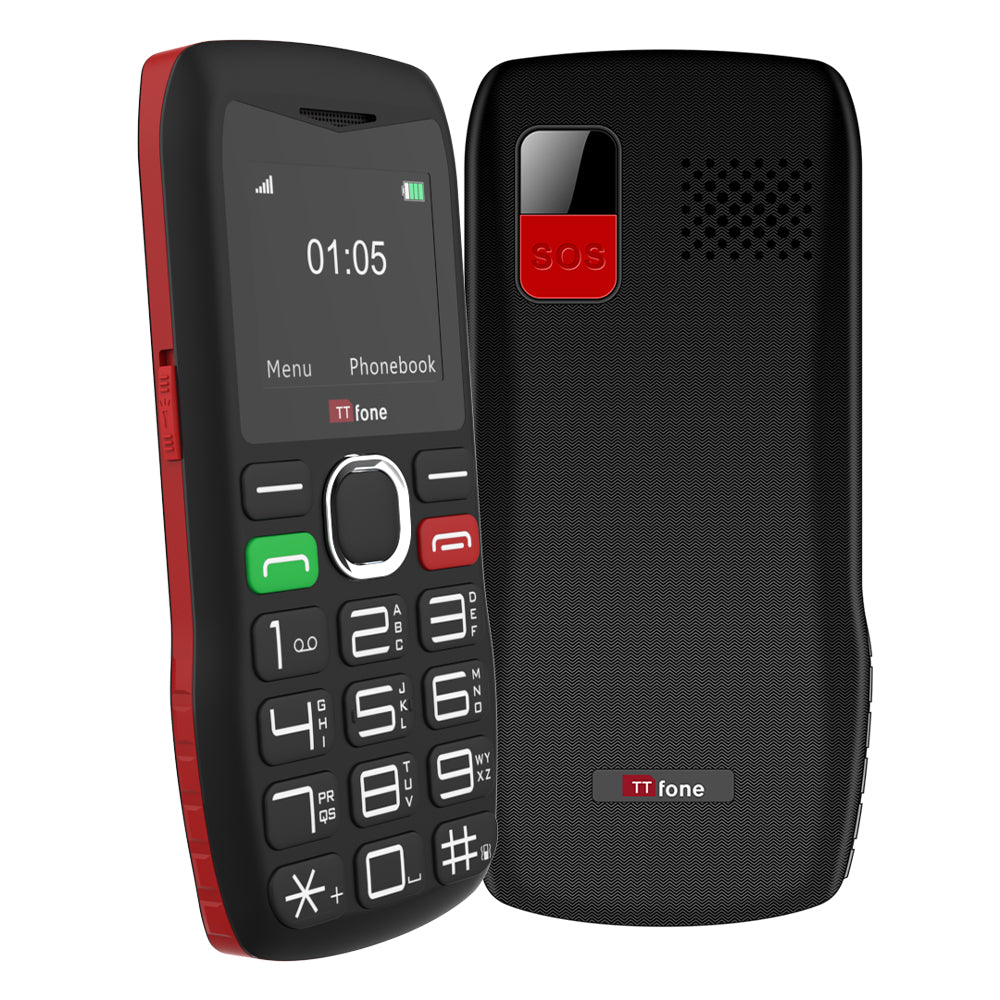
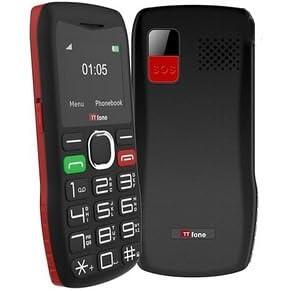
The TT880 has an SOS button on the back of the phone. Press it and the phone calls and texts the contacts you have saved, so family, friends or carers know you need help. The SOS button does not call the emergency services.
-
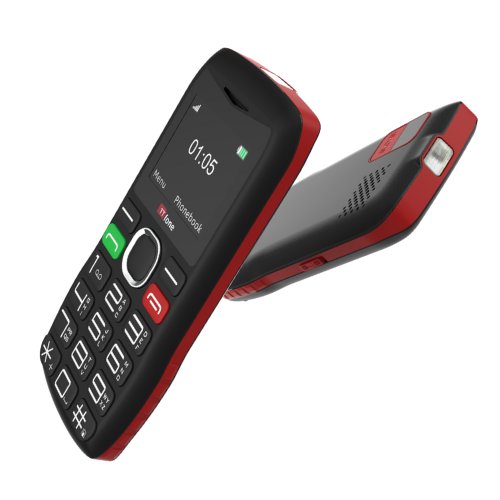
Handy Torch Function,
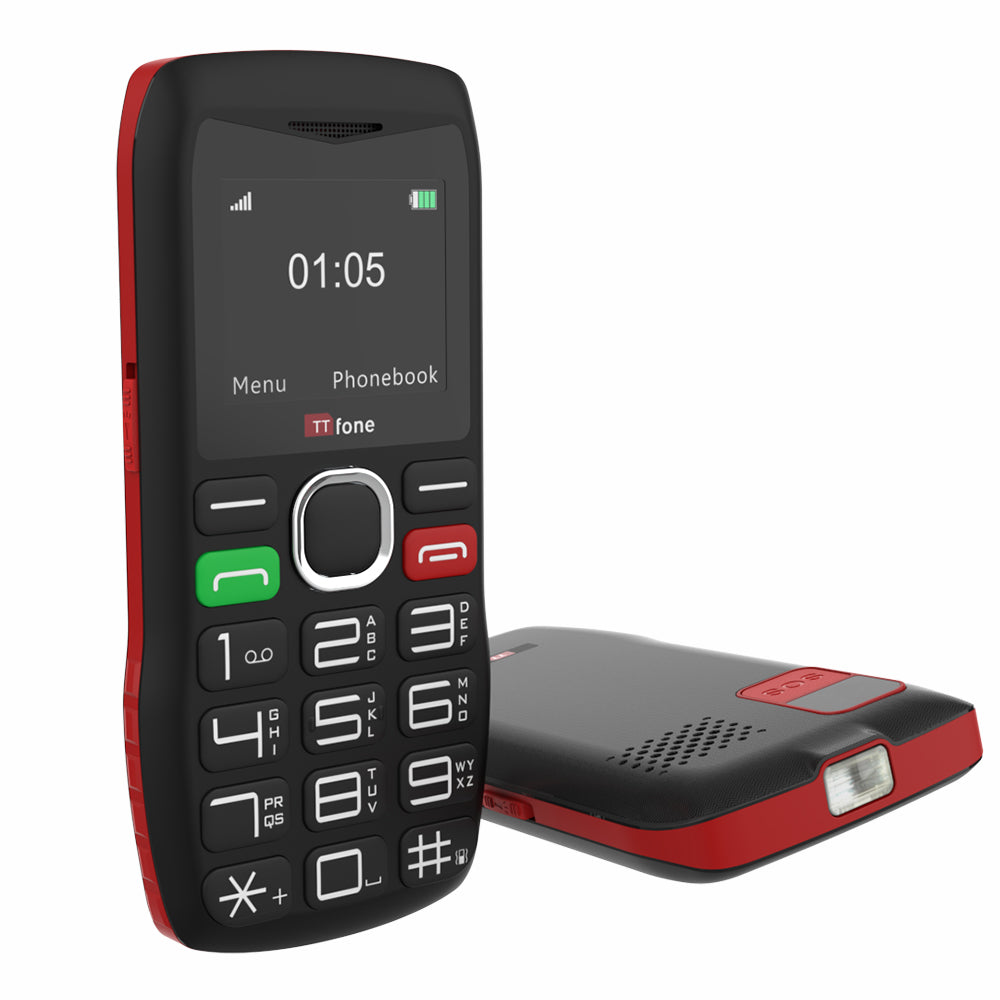
Navigate dark environments with confidence using the TT880's integrated torch function. Activated by a separate switch conveniently located on the phone's exterior, this bright torch ensures that you never have to fumble in the dark to find your way or locate important items. -
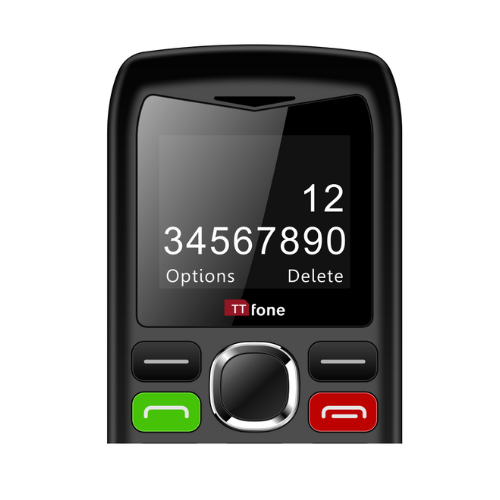
Large Font Display,
Comfortable to hold and navigate, the TT880 sports a 1.8-inch screen for clear visibility and intuitive operation. Speed dial and an alarm function further enhance usability, providing quick access to frequently dialed contacts and ensuring important reminders are never missed. -
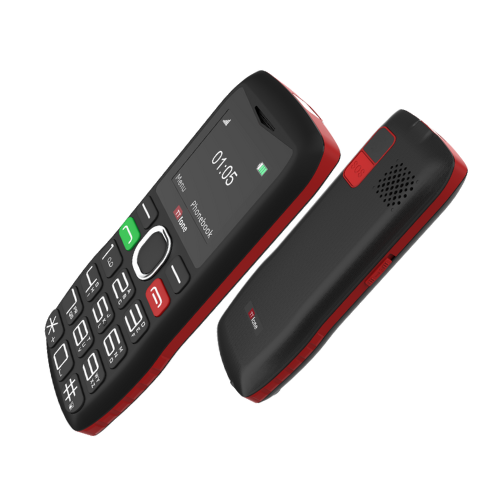
Designed with seniors in mind, The TT880 boasts large, easy-to-press buttons and talking keys, ensuring effortless navigation and dialing. With its Emergency Assistance button, help is just a press away, providing an added layer of security and safety for users.
-
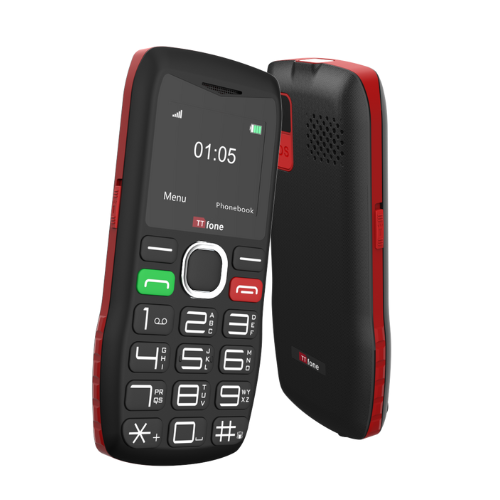
Simple yet durable,
This phone is built to last and withstand everyday use. Its loud call volume ensures clear communication even in noisy environments, while its standard size SIM card compatibility offers flexibility in choosing a network provider.
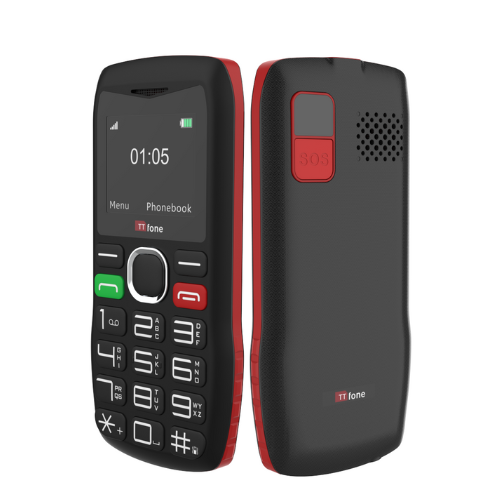
Are you in search of an easy-to-use, straightforward mobile phone for yourself or a loved one? At TTfone, we specialise in designing mobile phones that prioritise simplicity and functionality.
The TTfone TT880 fits perfectly within our budget-friendly mobile phone range. It includes all the aforementioned features, along with an emergency assistance button that can quickly call and text up to five pre-set phone numbers with a single press.
This TTfone TT880 for ‘seniors and the elderly’ really is basic. If you just want a phone for emergencies then this really is ideal as vital numbers can be stored and then called up when necessary. I think, though, that many vulnerable people living alone already have access to emergency devices which are either worn around the neck or wrist and can be used to someone immediate help. However good - or basic - a mobile phone is if it’s not on your person when needed - say if you fell, for example - then it’s not much use. But these phones do have a usefulness, in as much as they are so simple, have nice big digits and feel pretty sturdy. However, from my experience, the elderly and vulnerable feel far more comfortable using a familiar landline, rather than a mobile phone, however simple. So, if you’re still looking for a no frills mobile phone, then for the money this is certainly worth giving a try.
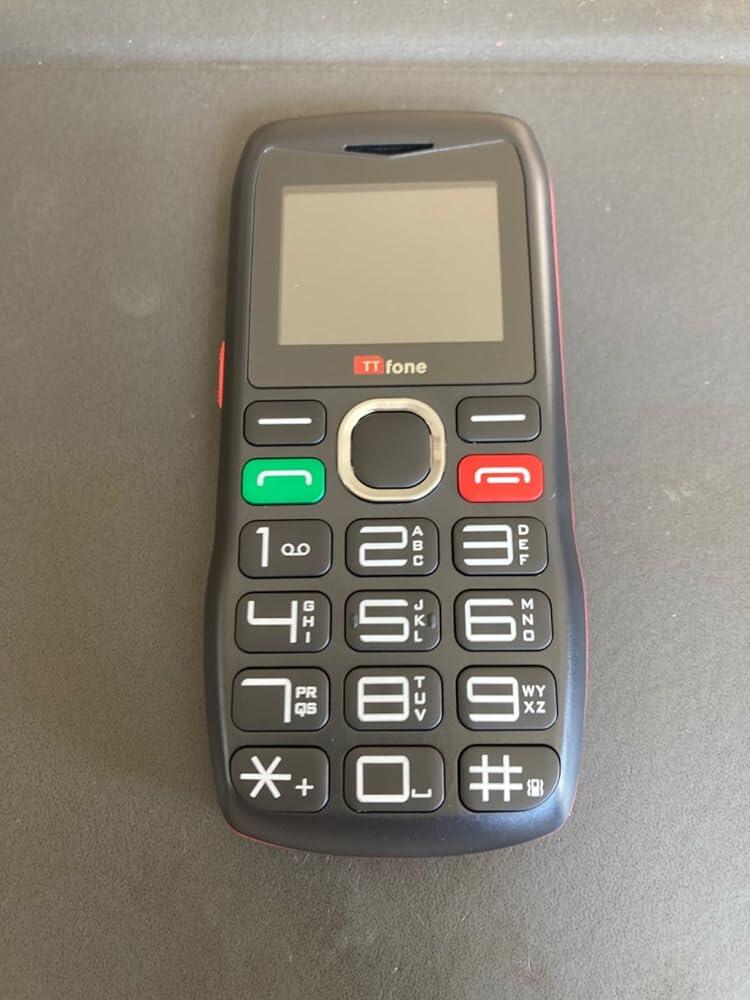

The TTfone TT880 Easy-to-Use Mobile Phone for Seniors is a basic “dumb phone†that does away with all the bells and whistles and leaves a basic mobile phone with basic functions and large easy to read physical alpha numeric buttons.The phone itself is pretty small, and even with the removable battery installed it’s lightweight. The build quality is good, with materials being primarily plastic which is expected given the low cost.In addition to the standard alpha numeric keys there’s a programmable SOS button on the back, you also get an LED flashlight which is activated using a slider on the side of the phone, which I think is a nice touch.My only niggle is the size of the screen, while it’s bright, it’s relatively small size means some text can still be a little smaller than I’d expect for an elder friendly phone.
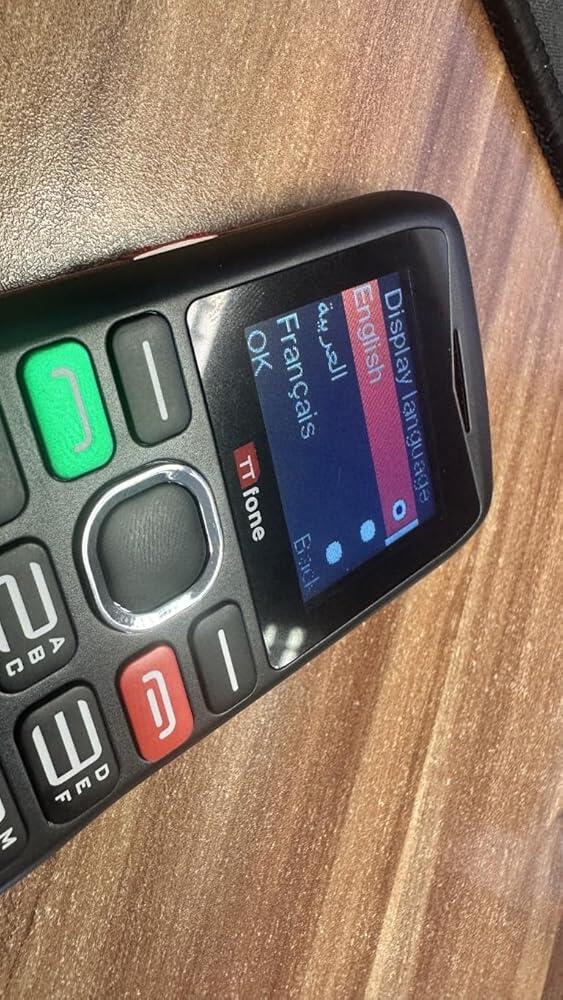


This is a basic no thrills 2g mobile phone with no camera or internet access aimed at the senior market with a large keypad and easy to read numerals. It does have a music player and a micro SD card slot for expanding the storage and supports bluetooth so it can be used with bluetooth headphones or to transfer files. There is also a 35 mm jack socket for if you want to listen through a wired headset. A slide switch on the left hand side turns a torch on at the top of the phone which is a handy feature to have. The build quality is nothing special, it has a plastic chassis and back but looks like it would probably survive quite a few drops from pocket height onto a carpeted floor but may not fare as well dropped from the same height onto a kitchen floor. The screen is fairly small but the text is easy enough to read and the operating system is easy to navigate from the menu. The layout is pretty similar to some of the old Nokia phones. There is an emergency button on the back which can be programmed to call up to 5 numbers automatically should you or your elderly relative find yourself in trouble. This is a common feature on phones aimed at the senior market. One thing I feel I should mention is that it only takes the old standard sized SIM cards and not the more recent micro or nano SIM cards that most smartphones have these days. This should not be a problem if you have kept the adapter frame you pushed your nano SIM out from but it is something to bear in mind. If the worse comes to the worst you can always order a new SIM card from your service provider which should come with the standard size SIM adapter. This is a decent enough phone and functions well for calls and texts on a 2g network which according to Google won't be switched off by the major service providers until 2033 so you should get a fair amount of use out of it before that. It is worth noting that this phone will not work on the 3, Smarty or ID networks as they do not provide a 2g service. At the current price of £15.99 it seems like extremely good value and would make a good phone for an elderly relative or just if you want to have a cyber detox from your smartphone.
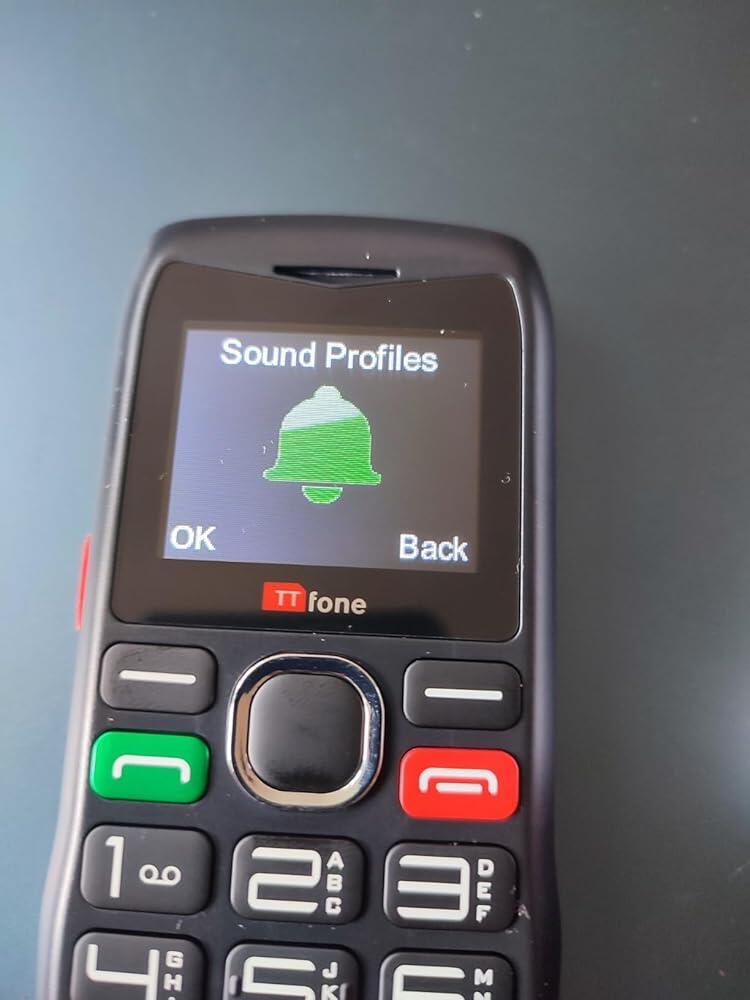
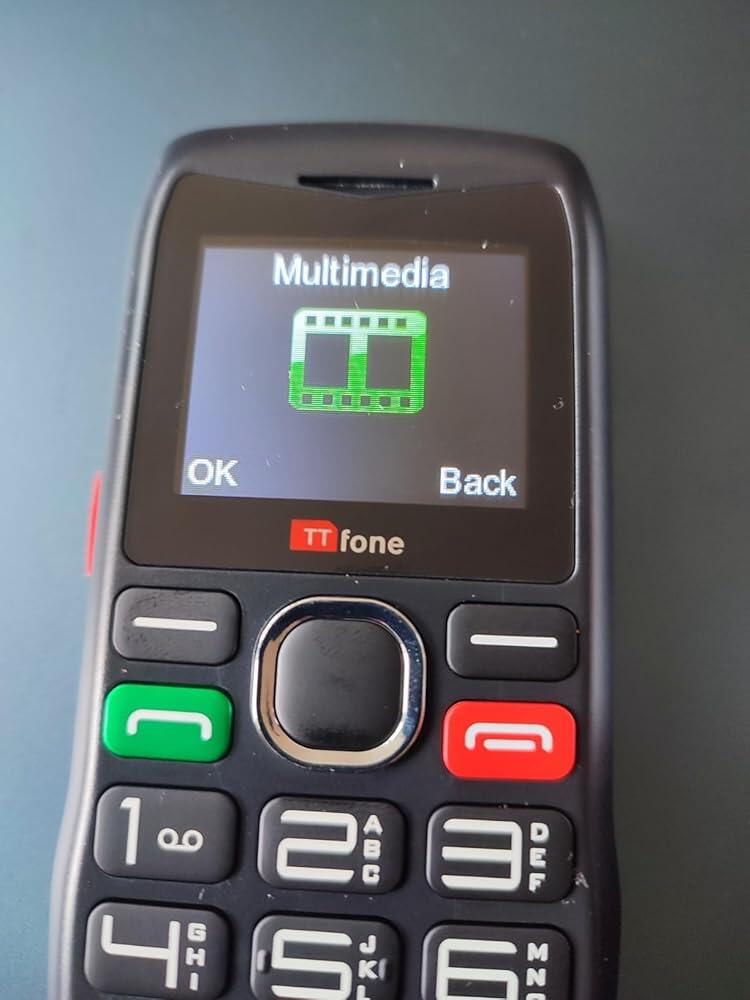


Review of TTfone TT880 Easy-to-Use Mobile, Large Button Phone with SOS Assistance Button.As the advertising says this a simple basic phone for those of us whom prefer simplicity, once received all that is required is to insert the battery, Sim card and adjust the essential settings, these date, time and contact list, obviously there are others but non urgent so can be set later.The buttons on the phone large however my one comment is the menu button surrounding bezel, this used to enter various menu functions but it is thin and not really pronounced enough to use without hitting the centre button, as this aimed at the senior market this four way bezel difficult to use as not high enough above the central button and requires more a fingernail to use than a finger tip, could be better designed.The phone itself is hand sized, easy to charge with the provided cable but no charger supplied, the separate side torch switch is useful, it has a simple message and menu selection as well as a very loud speaker which is adjustable, this phone uses the 2G network, calls and messages only without data or apps, 2G to continue in use for another eight years we are told.Apart from the difficult to use thin bezel which manages the menu this a good simple phone, the battery has good standby life and as a replacement for a landline which are set to disappear 2025 this convenient, calls also a lot cheaper if using 1P a minute calls and texts mobile service offered by a smaller provider.


Bought for my 82 year old mum. Easy for her to use. All very good so far.
Thank you for your lovely feedback! We're delighted to hear that the phone is easy for your mum to use and that everything has been going well so far. We hope she continues to enjoy her new phone!
Thank you for choosing TTfone!
— TTfone Team
Bought this for amy elderly dad who can only cope with a simple phone. For this it is ideal. The buttons are big, the screen bright. It does have a flimsy feel to it, but for the price I can't complain.
Thank you for your feedback! We're delighted to hear that the phone has been an ideal choice for your elderly dad and that the large buttons and bright screen make it easy for him to use.
We also appreciate your comments about the build quality. Your feedback is valuable and will be shared with our product team as we continue to improve our devices.
Thank you for choosing TTfone, and we hope your dad continues to enjoy using his phone.
— TTfone Team
great phone, easy to use. I highly recommend it.
Thank you for your kind feedback. We’re delighted to hear that you find the phone easy to use and truly appreciate your recommendation.
— TTfone Team
Very easy to use and battery life is excellent
Thank you for your kind feedback. We’re delighted to hear that you find the phone easy to use and that you’re pleased with the battery life.
— TTfone Team
JUST RIGHT FOR ME THANK YOU.
Thank you for your lovely feedback. We’re so pleased to hear that the phone is just right for you.
-TTfone Team
Auch für behinderte z.B mit Ouerschnitt sehr empfehlenswert da große Tasten...
Buono
War für unsere 86 jährige Nachbarin. Sie kommt gut damit zurecht.
Ben fatto ,prende benissimo in ogni dove, ha una torcia che si accende anche a cellulare spento tramite un tasto posto a lato ha pure la radio DM che prende benissimo, praticissimo il bastone centrale , ricezione ottima, batteria non molto grande
easy use
O som podia ser um pouco mais alto mas está aceitável
Bom para pessoas com capacidade reduzida
Ottimo cellulare per anziani
Fijn formaat telefoon. Grote knoppen. Makkelijk in gebruik. Snel geleverd. In meerdere talen in te stellen. Laad snel op. Duidelijk. Prettig in gebruik.
super :o)also für ältere Menschen einfach zu bedienen ,guter klang alles was man braucht .... und eigentlich zu günstig :o)
Wanted a basic non internet/data phone.Larger print and buttons makes its easier for my retired mum to use.
Bueno pero poco volumen
Can’t comment,haven’t used it yet
Thank you for your feedback. We hope the phone meets your expectations when you start using it. If you need any help with setup or support in the future, our team will be happy to assist.
— TTfone Team
I set up the TTfone for my elderly parent who struggles with small screens and tiny buttons. Right out of the box, the phone felt sturdy but wasn’t heavy, and the bright red colour made it easy to spot around the house. The buttons are very large, which makes dialling and typing texts much easier for someone with shaky hands. Setting up contacts and emergency numbers was straightforward, and the emergency button is placed so you won’t press it by accident. We used the included USB cable for charging, and the battery lasted more than a week with basic use, calls, texts, and some radio listening. The volume is loud enough for someone who’s hard of hearing, and the speakerphone was clear. The Vodafone PAYG SIM worked instantly so we could make calls right away. I also liked that there weren't too many complicated extras on the phone, just basic functions that are easy to navigate. Seeing the smile when making the first call with no trouble was the best part!